
A computer that will not start is stressful. It feels even worse when the photos, invoices, or schoolwork on it exist nowhere else.
The next few steps matter more than most people realize. Acting calmly can be the difference between a simple fix and a permanent loss.
This guide explains why computers fail to start and what to avoid. It also shows when data recovery in Princeton is the safest move and how to get your files onto a working machine.
Why a Computer Stops Starting
Startup failure has many causes. A failed power supply, a dead battery, or a loose cable can stop a computer before it reaches the screen.
Other causes sit inside the software. A corrupted operating system, a failed update, or malware can leave the computer stuck on a logo or a looping repair screen.
Hardware wear matters too. A failing hard drive or solid-state drive often shows up as clicking sounds, long delays, or a drive that no longer appears at startup.
Each cause calls for a different response. That is why guessing is risky when your files are at stake.
Why Repeated Restarts Can Make Things Worse
Pressing the power button again and again feels like the obvious answer. If the storage drive is damaged, each attempt can add more stress.
Failed startups can also trigger automatic repair tools that change files. Those changes can overwrite the very data you hope to save.
If the computer has not started after one or two careful tries, stop. Powering it down is safer than forcing it.
A local shop offering computer repair in Princeton, NJ can test the parts safely while keeping your data in mind.
Safe Steps to Take First
Start with the simple checks. Confirm that the charger, outlet, and cables are secure, and remove any USB drives or accessories.
Try a different outlet or a known good charger. On a laptop, hold the power button for several seconds to clear leftover power, then try once.
Write down what you see and hear. Error codes, beeps, clicking sounds, and blank screens all help a technician find the cause faster.
If nothing changes, do not open the case or run unknown repair tools. This is the point to ask for help.
Warning Signs That Point to Drive Trouble
Some symptoms suggest the drive itself is failing. Clicking or grinding noises, freezing before startup, and a drive missing from the setup menu all raise concern.
Files that vanished or would not open before the failure are another clue. In these cases, the drive needs careful handling before anything else.
Never run a repair tool that writes to a failing drive. New data can erase the files you are trying to rescue.
That is why serious data recovery in Princeton, NJ starts with careful handling instead of quick software scans.
Why DIY Recovery Software Can Backfire
Recovery apps look appealing when the computer still turns on. Installing one on the same drive can overwrite recoverable data.
Fake recovery tools and scam pop-ups also exist. The FTC explains how to recognize and avoid phishing scams before you download anything.
A professional usually copies the drive first and works from that copy. This protects the original while recovery is attempted.
When Professional Diagnostics Make Sense
Call a professional when the computer will not start and the files matter. Strange noises, water exposure, or a screen that stays black are also reasons to stop.
Remote service cannot help when a computer will not boot or shows no display. Those cases need hands-on diagnostics, so the computer is brought in for testing.
A technician checks power, memory, storage, and the operating system in order. This finds the real cause without guesswork.
For many people, data recovery in Princeton begins with that diagnostic visit. Knowing what is wrong decides whether the drive can be repaired, cloned, or replaced.
Ask what the diagnostic includes and how your files will be protected. A good shop explains the plan before any work begins.
You should also hear a clear answer about the odds. Some drives are easy to copy, while others need more time and careful handling.
How Recovered Files Reach a Working Computer
Once files are rescued, they need a safe place to land. Recovered data is usually copied to an external drive or a cloud account first.
From there, it can move to a repaired or replacement computer. Many people ask for computer data transfer in Princeton, NJ, so that folders, email, and settings arrive intact.
Check that photos, documents, and spreadsheets open before the old drive is retired. Keep the rescued copy until you are sure nothing is missing.
Do not rush this step. A few extra minutes of checking can save you from discovering a missing folder weeks later.
If the old drive was damaged, avoid plugging it into other computers for convenience. Let the technician decide how best to copy it.
Set Up the Replacement Computer Carefully
A new or repaired machine needs a careful computer setup. Add your programs, sign in to your accounts, and review your privacy settings.
CISA recommends that you install software updates promptly. Turning on multifactor authentication adds another layer of protection.
Laptops deserve the same attention as desktops. Customers often request laptop data transfer in Princeton, NJ, along with setup so the new laptop feels familiar from day one.
Moving your email, bookmarks, and saved passwords is part of this work. It spares you hours of rebuilding the little things you rely on.
When the old computer is truly finished, recycle it through EPA electronics recycling guidance. If you are shopping for a replacement, look for ENERGY STAR certified computers.
How to Avoid a Repeat Emergency
Backups turn a crisis into an inconvenience. Keep one copy on an external drive and another in a cloud service.
Test your backup now and then. A backup you have never restored is only a guess.
Watch for early warning signs such as slow startups, strange noises, and random freezes. Fixing small problems early costs less than rescuing a failed drive.
Get Your Files Back With Confidence
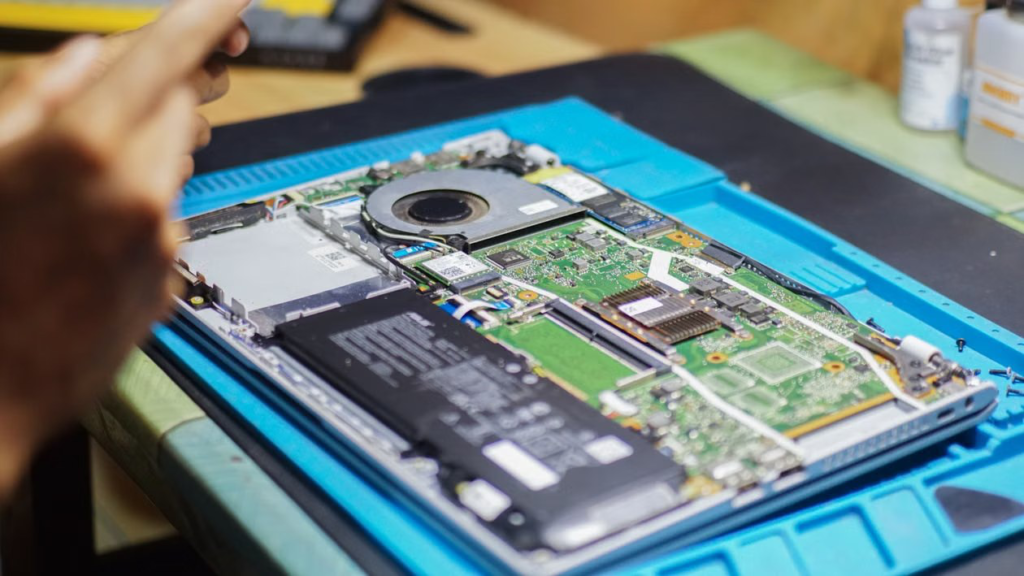
Image Link: https://www.pexels.com/photo/laptop-repair-and-maintenance-in-progress-34514242/
A computer that will not start does not have to mean lost files. At Princeton Computer Repair Service, we diagnose the problem first and protect your data throughout.
We help customers in Monmouth County, NJ, Hunterdon County, NJ, Burlington County, NJ, and Bucks County, PA with startup failures, drive problems, and file rescue.
We offer data recovery in Princeton, repairs, and safe transfers to your new machine. Contact us today.