
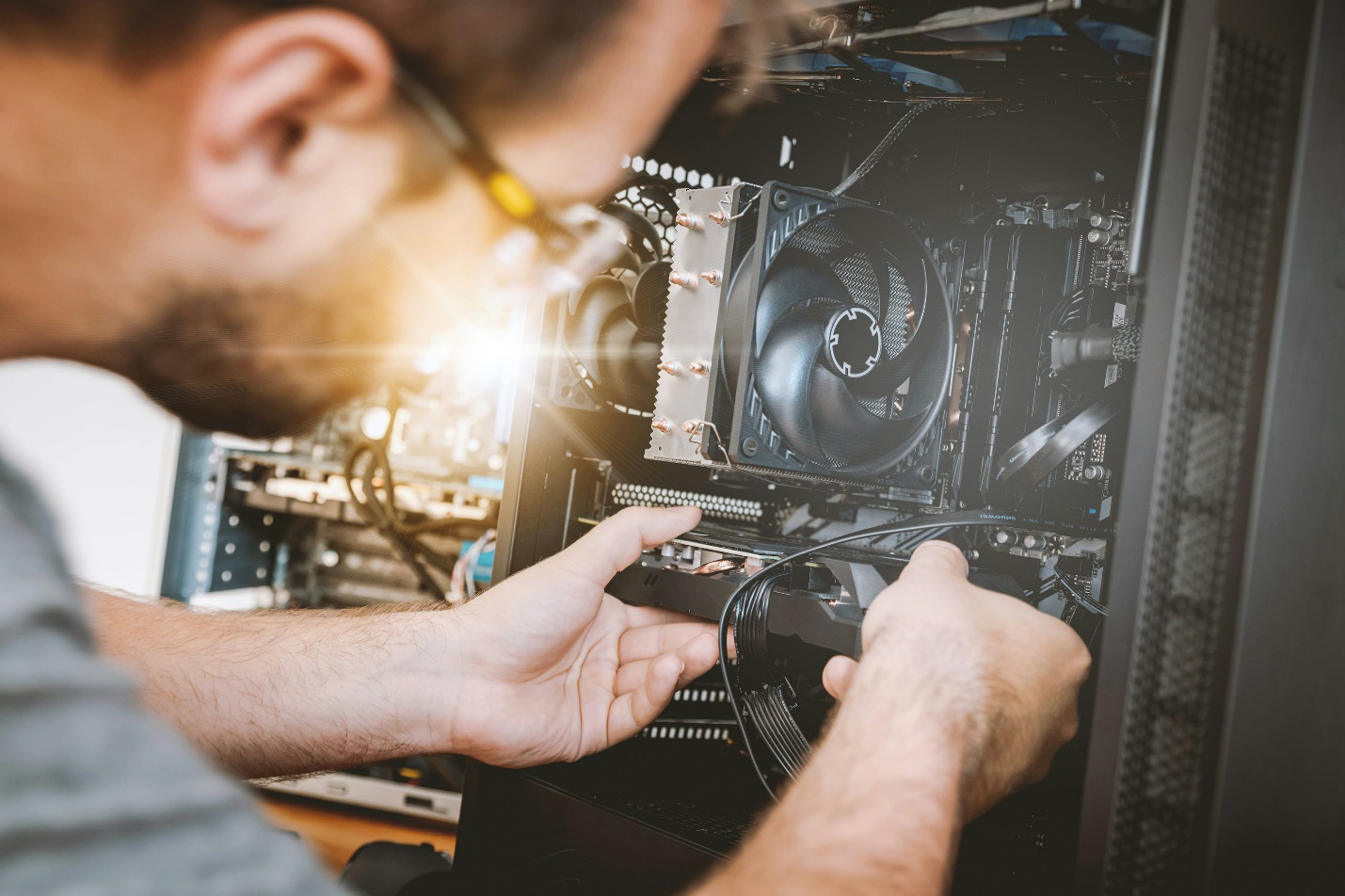
There’s never a convenient time for your computer to act up. One day it’s running perfectly, and the next, it’s freezing mid-project, refusing to start, or making noises that sound like it’s about to lift off. Whether you use your computer for work, gaming, or staying connected, problems always seem to appear when you least expect them.
The truth is, computers rarely fail without warning. They show signs, sometimes subtle, sometimes glaring, that something’s wrong. The key is knowing what those signs mean and addressing them before they turn into costly breakdowns.
If you’ve been ignoring that lagging performance or that clicking sound that’s been bothering you, it might be time to get a emergency computer repair. Here are the ten clearest signs that your computer needs professional attention.
1. Constant Freezing, Crashing, or the Dreaded Blue Screen
It’s one thing for a program to freeze every once in a while; it happens. But if your computer locks up regularly, displays the “blue screen of death,” or restarts without warning, it’s not something to brush aside.
Frequent crashes often point to issues such as corrupted system files, bad memory modules, or overheating components. While restarting may seem like a quick fix, these symptoms often worsen over time. If left unchecked, they can cause permanent hardware damage or lead to total system failure.
2. Unusual Noises — Clicking, Whirring, or Grinding
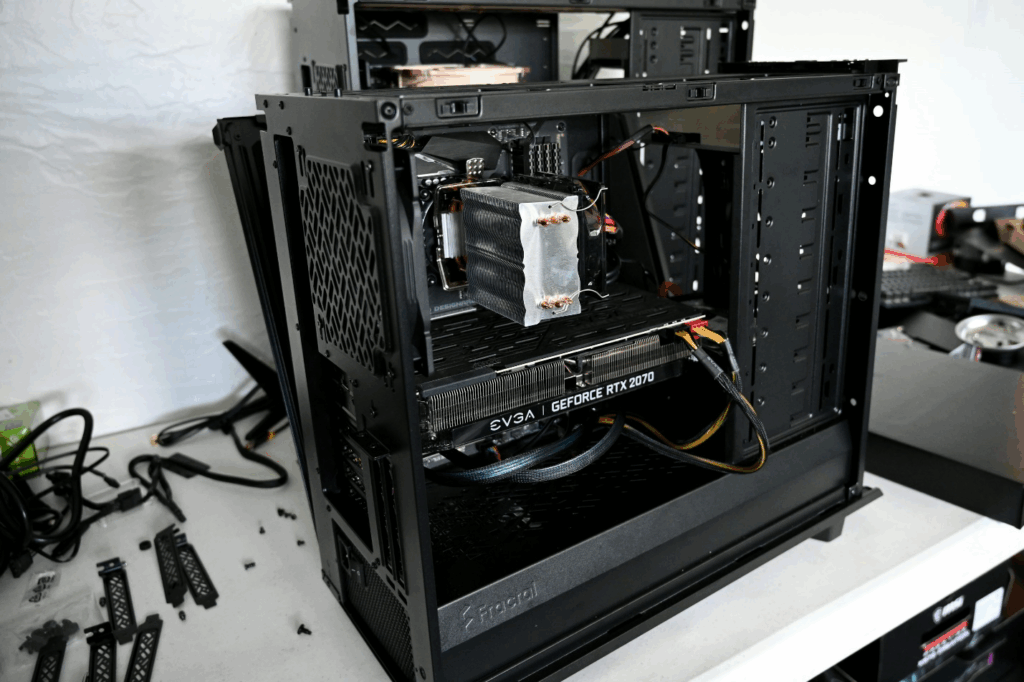
A repetitive clicking noise from inside your desktop or laptop usually signals a failing hard drive. A grinding or rattling sound could mean that one of your fans or bearings is wearing out. Both are serious warnings that shouldn’t be ignored.
Continuing to use your computer under these conditions can result in permanent data loss. In most cases, professionals can replace the damaged part before it causes additional harm. If your hard drive is at risk, a data recovery service might also be necessary to save important files.
3. Random Shutdowns or Power Failures
If your computer suddenly shuts down or reboots for no apparent reason, you could be facing a few possible problems: an overheating processor, a failing power supply, or even a short circuit on the motherboard.
Overheating is one of the most common causes. Dust buildup in fans and vents can block airflow, forcing your computer to shut off as a protective measure. But in some cases, it could be something more serious, like a faulty PSU or damaged internal connectors.
Rather than guessing, bring it in for computer maintenance. A professional can clean the system, test voltages, and replace damaged components before they cause lasting harm.
4. Painfully Slow Performance
Everyone dreads a sluggish computer. When even basic tasks like opening files or loading web pages take forever, it’s time to investigate.
A slow computer might be caused by too many background programs, outdated software, or insufficient memory. However, consistent lag could also mean a failing hard drive, malware infection, or worn-out components that need replacement.
While basic cleanups or defragmenting can help temporarily, professional Computer Repair in Manville ensures your system is properly diagnosed. Technicians can check whether upgrading your RAM, installing a solid-state drive, or removing malicious software will give your computer a new lease on life.
5. Overheating and Constant Fan Noise
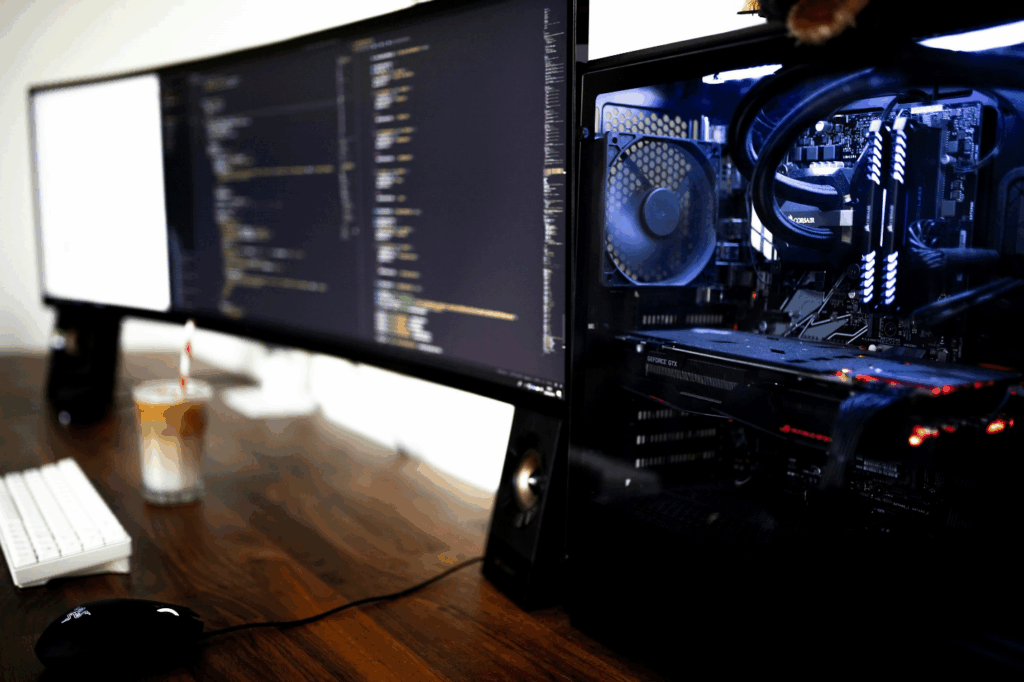
Heat is one of a computer’s biggest enemies. It shortens component life, affects performance, and in extreme cases, can cause irreversible motherboard damage. Overheating might stem from clogged vents, dried thermal paste, or fans that have stopped working.
A professional cleaning can work wonders. Replacing old thermal paste and checking your cooling system are small steps that can make a big difference. Regular computer maintenance also helps prevent future overheating and keeps your machine running efficiently.
6. Programs or Files Taking Forever to Open
If you’ve noticed that your system takes several minutes to boot up or frequently freezes while opening programs, don’t wait. Data corruption and malware can quickly spread and compromise your files.
A professional technician can perform deep system scans, remove any infections, and ensure your hardware is functioning properly. Quick virus removal can save your system before performance issues become irreversible.
7. Trouble Connecting to Wi-Fi or External Devices
When your computer starts dropping Wi-Fi connections or can’t recognize USB devices, drivers, or hardware components may be at fault.
While driver updates can sometimes fix these issues, inconsistent connectivity often points to failing hardware. It could be a network card on its last leg, a faulty USB port, or corrupted system files that need to be reinstalled.
8. Laptop Battery or Power Issues
If your laptop battery drains unusually fast or doesn’t charge at all, don’t automatically assume it’s just old age. The issue might be a defective charger, charging port, or motherboard connection.
Sometimes, the solution is as simple as a laptop battery replacement, which can extend your device’s usability by years. However, if the power system itself is malfunctioning, professional repair ensures the problem is fixed safely without damaging the internal circuitry.
9. Pop-Ups, Software Glitches, or Security Warnings
If you’ve started seeing frequent pop-ups, strange toolbars, or security warnings, even when you’re not browsing the web, your computer may be infected with malware.
Malicious software can slow down your system, corrupt data, and even steal personal information. DIY removal tools rarely eliminate all traces of infection and can sometimes cause more harm than good.
10. Missing Files or Data Corruption
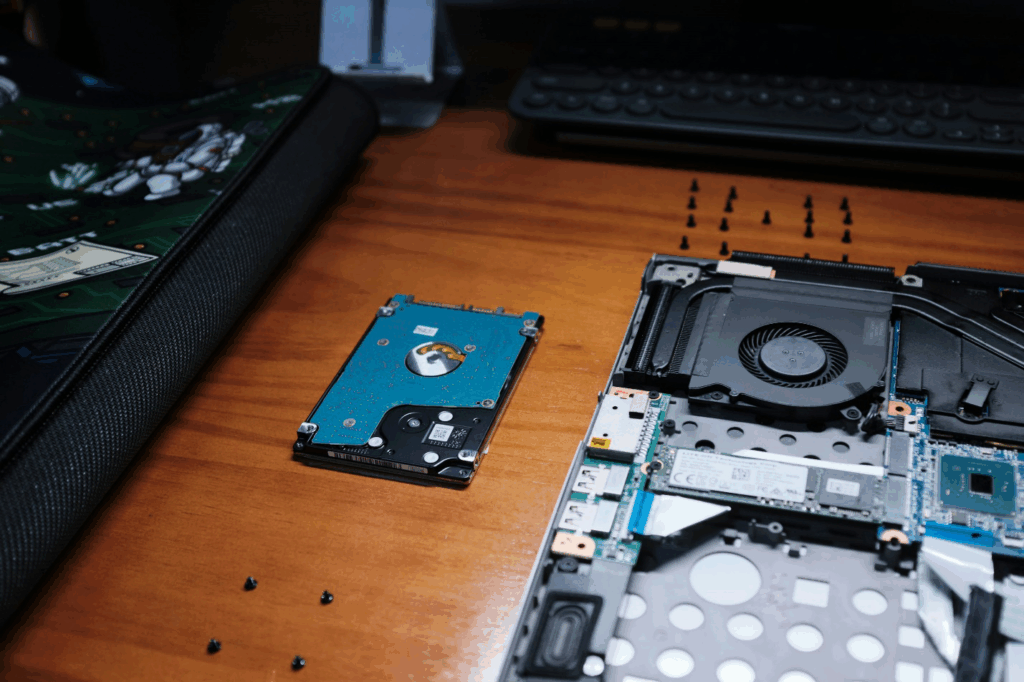
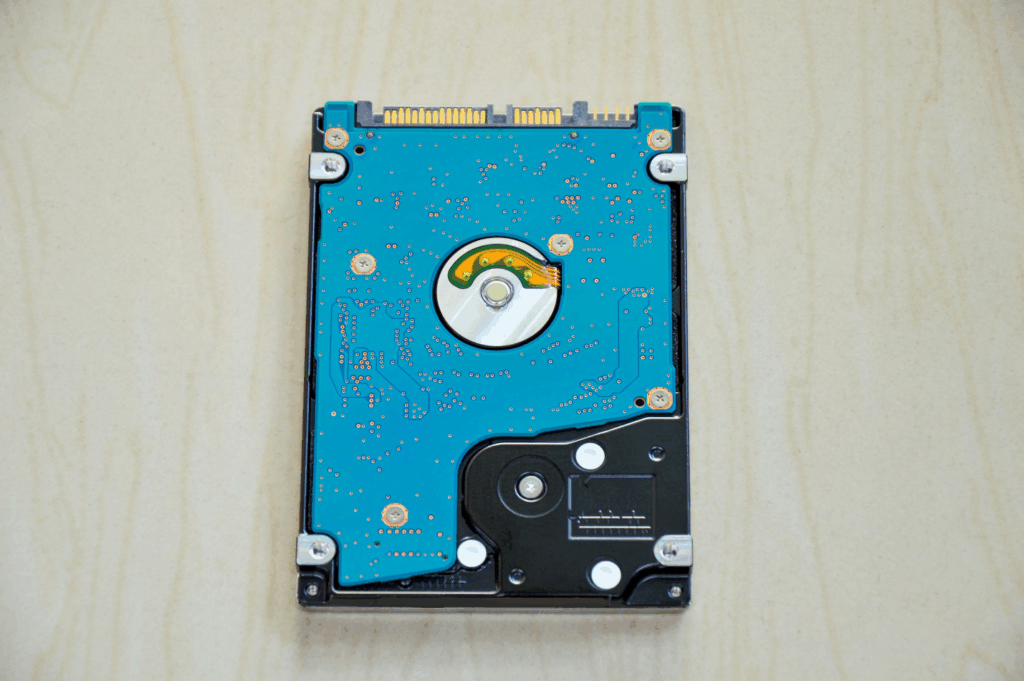
Few things are more alarming than discovering that important files have vanished. When documents disappear, fail to open, or show signs of corruption, it could mean your hard drive is failing.
The earlier you act, the better the chance of recovering your data. Continuing to use a failing drive often makes recovery impossible. Technicians can run diagnostics to confirm the issue, back up what remains, and replace the drive to prevent future loss.
Investing in data recovery and system maintenance now can save you from heartbreak later.
Get Your Computer Back to Its Best — Schedule Your Repair Today
If your computer has been showing any of these warning signs, slow performance, overheating, strange noises, or data loss, it’s time to take action.
At Princeton Computer Repair Service, we handle everything from pc repair and virus removal to laptop battery replacement in Princeton and data recovery in Princeton. Our team uses advanced diagnostics and high-quality parts to ensure your device gets the care it deserves.
Whether you’re facing a minor glitch or a major malfunction, we’ll get your system back up and running quickly and affordably. You’ll also get practical maintenance tips to help prevent future issues.
Call us today or book an appointment online to schedule your repair and give your computer a fresh start. We also offer Remote Software Application Issues in Princeton, Remote Support for MAC in Princeton, and Remote Email Error Fixing Princeton. Reliable tech is just one visit away.