
Every day, someone walks through our door holding a device that has suddenly given up on them. A laptop that won’t turn on. A phone that heats up like a stovetop. A computer that freezes right when a deadline is closing in. Most of the time, the issue didn’t happen overnight. It was growing quietly until the device hit its breaking point.
If there’s one thing we’ve learned at Princeton Computer Repair Service, it’s this: most tech failures are predictable, preventable, and far less painful when you know the early warning signs. Whether you rely on your devices for work, school, gaming, or keeping your home running smoothly, understanding the common breakdowns is the best way to avoid the sudden scramble for emergency computer repair.
Below, we’re breaking down why computers, phones, and tablets fail, and what you can do to stop problems before they start.
Why Devices Overheat—and How to Stop It
Overheating is one of the most common issues we see. Laptops that shut down out of nowhere. Phones that feel hot even when you’re barely using them. PCs that sound like they’re about to lift off the desk.
Heat is the enemy of performance and longevity. Here’s why it happens:
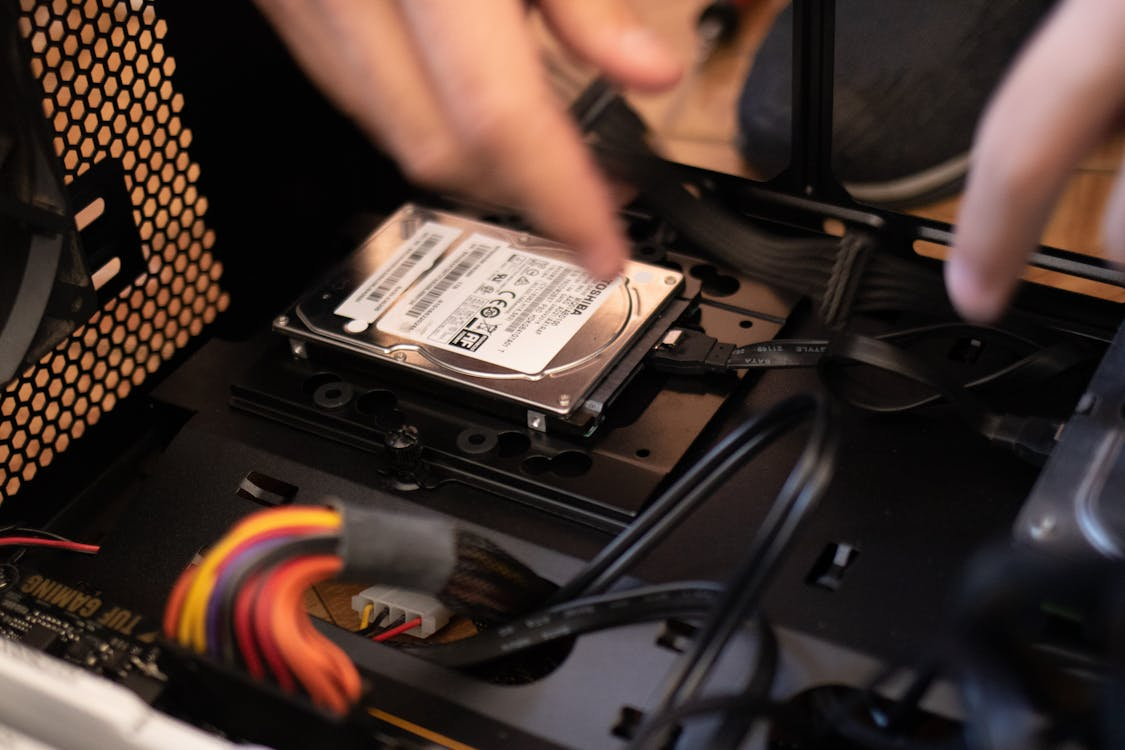
Dust buildup: Inside every computer is a cooling system designed to push hot air out and pull cool air in. When dust packs itself into vents and fans, airflow drops. Components stay hot, and the machine starts throttling performance, or shuts off to avoid frying the hardware.
Blocked vents: Using your laptop on a bed or blanket traps heat. So does placing a PC tower in a tight cabinet.
Aging thermal paste: The material that helps your CPU transfer heat breaks down over time. As it dries out, temperatures climb.
Apps pushing hardware too hard: Phones and tablets especially struggle with high-demand apps and games.
How to prevent overheating:
- Clean vents and fans every few months.
- Use your laptop on hard, flat surfaces.
- Keep your device out of direct sunlight.
- Close unused apps and browser tabs.
- Have thermal paste replaced every few years.
If your device is shutting down regularly, running hot to the touch, or fans are constantly blasting, it’s time to get it checked. Overheating often leads people to seek computer screen repair in Princeton sooner than they expect.
The Hidden Life Cycle of Batteries
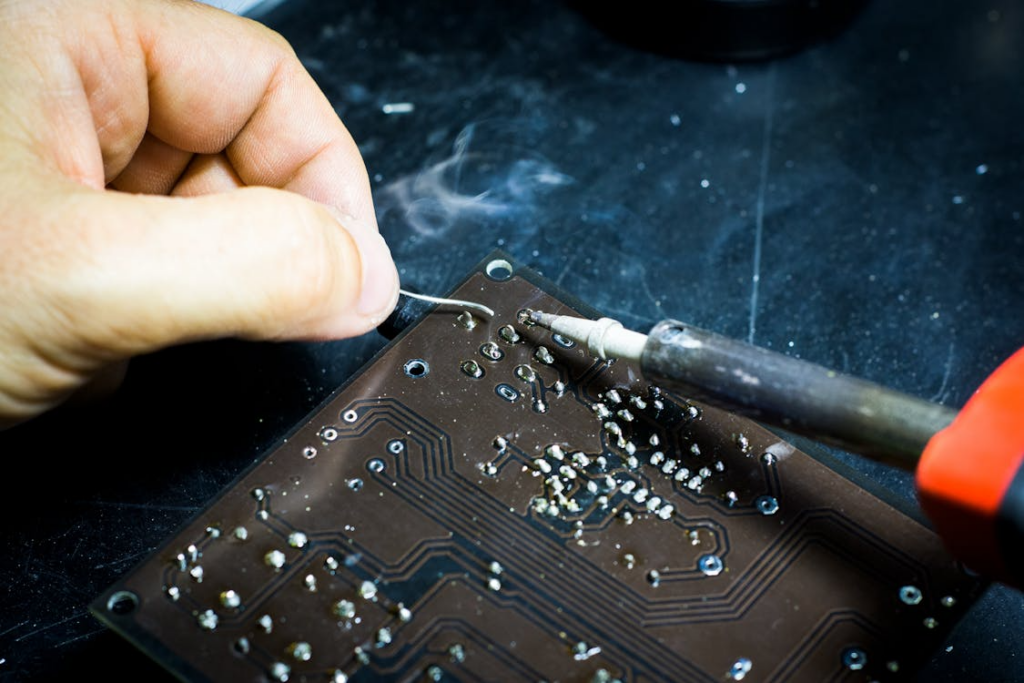
Batteries are quiet workhorses, until they aren’t. When a phone or laptop battery starts failing, you’ll feel it fast: shorter run times, random shutdowns, swollen battery cases, unreliable charging.
Most lithium-ion batteries start losing capacity after about 500 charge cycles. That doesn’t mean they’re bad; it just means they’re aging. By year three or four, performance changes become noticeable.
Why batteries fail:
- Constant full discharges
- Heat exposure
- Keeping your device plugged in for days at a time
- Using cheap or aftermarket chargers
- Natural chemical aging
How to keep batteries healthy:
- Keep charge levels between 20% and 80% whenever possible.
- Avoid extreme temperatures.
- Use high-quality chargers.
- Give your device occasional rest cycles (full power down).
If your laptop won’t hold a charge or your phone needs a power outlet after one meeting, it’s time for a proper diagnosis. Many people come to us for laptop repair and laptop data transfer in Princeton only to find out that all they needed was a simple battery replacement.
Screens Break More Often Than You Think
A cracked screen may feel like bad luck, but the reason screens fail is usually predictable. Phones, tablets, and laptops all rely on thin layers of glass, sensors, and protective coatings. One drop or pressure point can turn that into a spiderweb.
Common causes of screen failure:
- Drops without a protective case
- Pressure inside backpacks
- Setting a device on the floor or bed and stepping or sitting on it
- Sudden temperature changes that weaken glass
- Hinges wearing out and pulling on the laptop displays
Even small cracks can grow quickly, especially if moisture slips in. In many cases, the device becomes dangerous to use because shards can come loose or touch sensitivity becomes unreliable.
How to prevent screen damage:
- Use shock-absorbing cases (not just decorative ones).
- Add tempered glass protectors.
- Don’t store your laptop in a tight backpack.
- Fix loose hinges early.
- Avoid leaving devices in hot cars.
A screen that’s “mostly working” usually gets worse. Many people come to us for emergency laptop repair in Princeton after a hairline crack spreads across the entire display, making the device unusable.
Malware and Viruses: Still a Problem, Still Preventable
Even with all the modern protections built into today’s operating systems, malware remains one of the top reasons computers slow down, freeze, or stop functioning altogether.
What we see most often:
Adware and bloatware slowing machines down
This includes unwanted apps, browser toolbars, and programs that run in the background.
Phishing-based installs
Someone clicks a link that looks legitimate. A download starts. The device is compromised.
Ransomware
This is more common than people realize, especially among small businesses.
Hidden miners and background processes
These quietly steal processing power and slow every task.
How to avoid malware issues:
- Don’t click on email attachments unless you’re expecting them.
- Keep your operating system fully updated.
- Use trusted antivirus software.
- Don’t download free “utility tools” you’ve never heard of.
- Back up your data regularly.
If your computer is suddenly slow, overheating, or crashing, malware may be the culprit. In many cases, a clean and thorough virus removal in Princeton solves the issue and restores full performance.
Slow Performance: The Most Annoying Breakdown of All
A sluggish device isn’t just frustrating; it’s often a sign that something deeper is happening. Slow performance is one of the top reasons people walk in asking for computer repair in Princeton.
Common factors behind slow systems:
Too many background apps
Over time, auto-starting apps pile up and load at boot.
Aging hard drives
Traditional HDDs slow down significantly before they fail. This often gives you months of warning.
Low memory
Today’s web apps and productivity tools require more RAM than ever.
System updates not installed
Security patches and performance fixes make a major difference.
Clogged cooling systems
When a device overheats, it slows itself down to cope.
How to restore speed:
- Remove startup apps you don’t need.
- Upgrade to a solid-state drive.
- Increase RAM if your system supports it.
- Keep your operating system updated.
- Clean dust from fans and vents.
A slow system is often still fixable, especially if you bring it in early.
Aging Hardware That Eventually Gives Out
Even with the best care, devices don’t last forever. Components weaken, software becomes heavier, and compatibility issues pile up.
What usually fails first:
- Hard drives
- Batteries
- Fans and cooling assemblies
- Chargers and ports
- Keyboards
- Wi-Fi modules
- Hinges
- Touchscreens
The key here is timing. Catching aging components before they fail keeps your data safe and prevents complete device loss. That’s why regular checkups matter. Think of them as the tech version of routine car maintenance.
Data Loss: The Problem No One Sees Coming
Losing your files is more painful than losing your device. Photos, schoolwork, work documents, all of it can disappear instantly due to:
- Failing hard drives
- Malware attacks
- Corrupted updates
- Accidental deletion
- Power surges
- Physical damage
Preventing data loss is simple but often ignored:
- Back up your files weekly.
- Use both cloud and physical backups.
- Replace aging hard drives proactively.
- Don’t ignore strange clicking or buzzing noises inside a computer.
Even when things go wrong, recovery is often possible, but not guaranteed. A sudden data failure is one of the top reasons people reach out for emergency computer repair.
Your Devices Don’t Have to Fail Early
Most breakdowns are preventable with simple habits and regular attention. Clean the fans. Update your software. Protect your battery. Back up your data. Avoid cheap accessories. And when something feels off, don’t wait.
That early warning sign might give you all the time you need to save your work and your device.
Ready for Help? We’re Here When You Need Us.
Whether your computer is slowing down, your phone is overheating, or your laptop won’t charge, you don’t have to troubleshoot it alone. At Princeton Computer Repair Service, we take the time to diagnose the real issue, explain your options clearly, and get your device back to working its best.
If you need fast help, ongoing maintenance, or a full repair, reach out for remote Software installation for windows in Princeton today. We’re ready when you are.