

If you’ve ever dropped your phone and watched the screen crack in slow motion, you know that sinking feeling all too well. Or maybe your tablet won’t hold a charge anymore, turning every work session or movie night into a race against the battery bar. We depend on these devices for everything, from staying connected to managing daily tasks, so when something goes wrong, it feels like the world pauses.
The good news? Most phone and tablet problems can be repaired, often faster and more affordably than you might think. However, not every issue can be fixed, or at least, not without spending more than the device is worth. Knowing the difference helps you make smarter repair decisions and avoid unnecessary costs.
Let’s break down the most common problems, what can be repaired successfully, and what might be better off replaced.
1. Cracked or Broken Screens: Usually Fixable
A broken phone screen is the most common repair issue, and thankfully, one of the easiest to fix. Modern smartphones and tablets use layered glass, touch sensors, and display panels that can all be replaced by professionals.
If your screen is cracked but the display still works underneath (meaning you can still see and touch everything), you’re in luck. A simple broken screen repair in Ewing can make your device look brand new again. In most cases, repair technicians can replace just the outer glass and keep the original display intact, saving you time and money.
2. Battery Issues: Almost Always Fixable
If your phone or tablet dies quickly, struggles to hold a charge, or randomly shuts down at high battery percentages, it’s time to consider a tablet battery replacement or phone battery service.
Over time, lithium-ion batteries degrade due to constant charging cycles and heat exposure. Fortunately, a battery replacement can restore performance, extend your device’s lifespan, and eliminate the frustration of being tethered to a charger.
Professionals use precision tools to safely open your device, remove the old battery, and install a new one without damaging the delicate internal components.
3. Charging Port and Power Button Problems: Fixable (But Tricky)
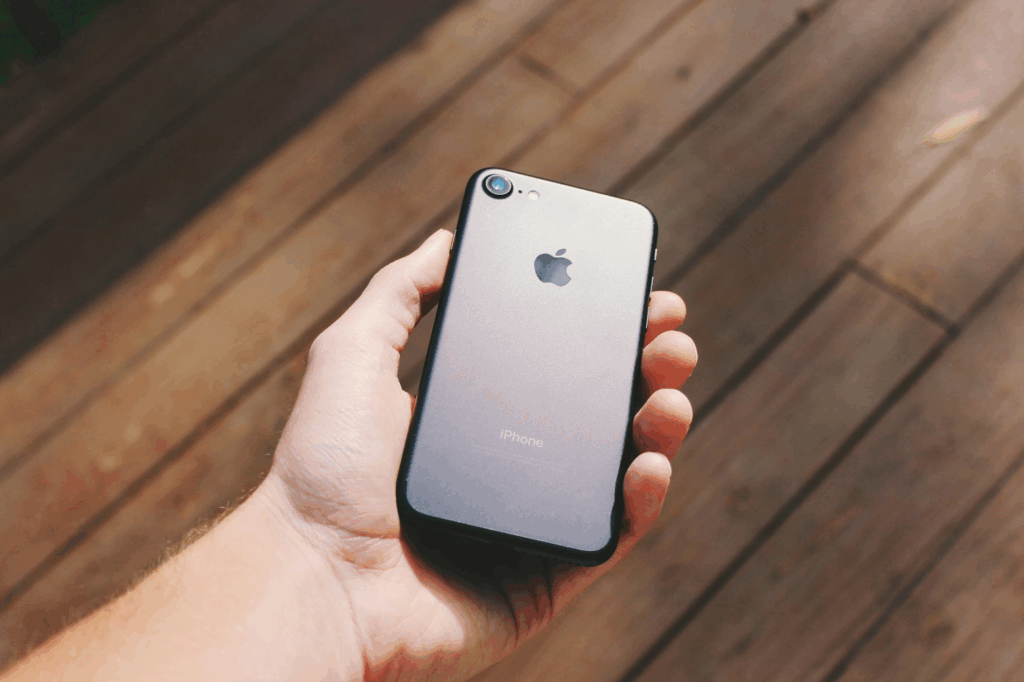
If you find yourself wiggling your charger to make it work, your charging port might be loose or clogged with dust and lint. Power and volume buttons that stop responding are also common issues, especially after prolonged use.
Good news, these are repairable. A technician can clean or replace faulty connectors and switches quickly. Some repairs take less than an hour.
4. Water Damage: Sometimes Fixable, Sometimes Fatal
Dropped your phone in the sink, pool, or, worse, the toilet? Water damage can cause corrosion, short circuits, and permanent failure if not treated immediately.
If you act fast, technicians can open the device, clean the affected parts, and use ultrasonic equipment to remove moisture and corrosion. Sometimes that’s enough to bring your phone or tablet back to life.
5. Software Issues and Glitches: Usually Fixable
From unresponsive apps to boot loops and system crashes, software problems are more common than people realize. These issues can stem from failed updates, malware infections, or corrupted files.
Fortunately, most of these problems can be resolved with a professional software installation or reset. A technician can reinstall your operating system, remove bugs, or restore lost functionality without deleting your personal data (when possible).
Virus removal and operating system restoration are often quick, low-cost fixes that can make your phone or tablet run like new again.
6. Camera and Speaker Failures: Repairable in Most Cases
Blurry photos, muffled sound, or silent speakers don’t always mean it’s time for a new device. Dirt buildup, damaged sensors, or failed connections can cause these issues—and most are repairable.
Technicians can replace camera modules, clean lenses, and replace faulty speakers or microphones. For many devices, these parts are inexpensive and easy to replace.
- Touchscreen Not Responding: Sometimes Fixable, Sometimes Not
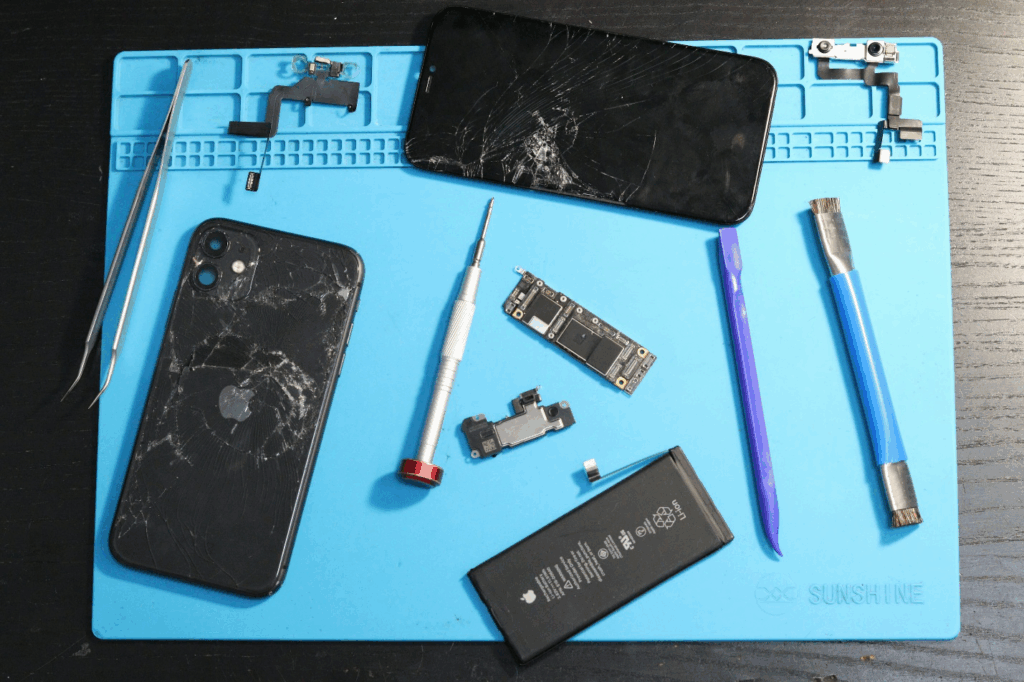
When your touchscreen doesn’t respond to taps or gestures, the problem might be a damaged digitizer (the thin layer under the glass that senses touch). Replacing the digitizer typically restores full touch functionality.
However, if the problem lies deeper, like a damaged motherboard or connection cable, it might not be worth the repair, especially for budget models.
8. Performance Lag and Overheating: Usually Fixable
Slow performance, freezing, or overheating might not mean your device is dying. It could simply be cluttered software, too many background apps, or a failing battery.
A professional cleanup and software optimization can often fix lag issues instantly. In some cases, a software installation or reset clears system bugs and frees up resources. If the problem is hardware-related, replacing the battery or cleaning internal components usually resolves it.
9. Storage Problems: Sometimes Fixable with Upgrades or Cleanups
If your device constantly warns that it’s out of storage, deleting photos and apps only helps temporarily. A technician can perform a system cleanup, move files to external storage, or upgrade your storage if supported.
For tablets and phones that don’t allow internal upgrades, offloading data or syncing to cloud storage can be part of a long-term solution.
10. When It’s Time to Replace Instead of Repair
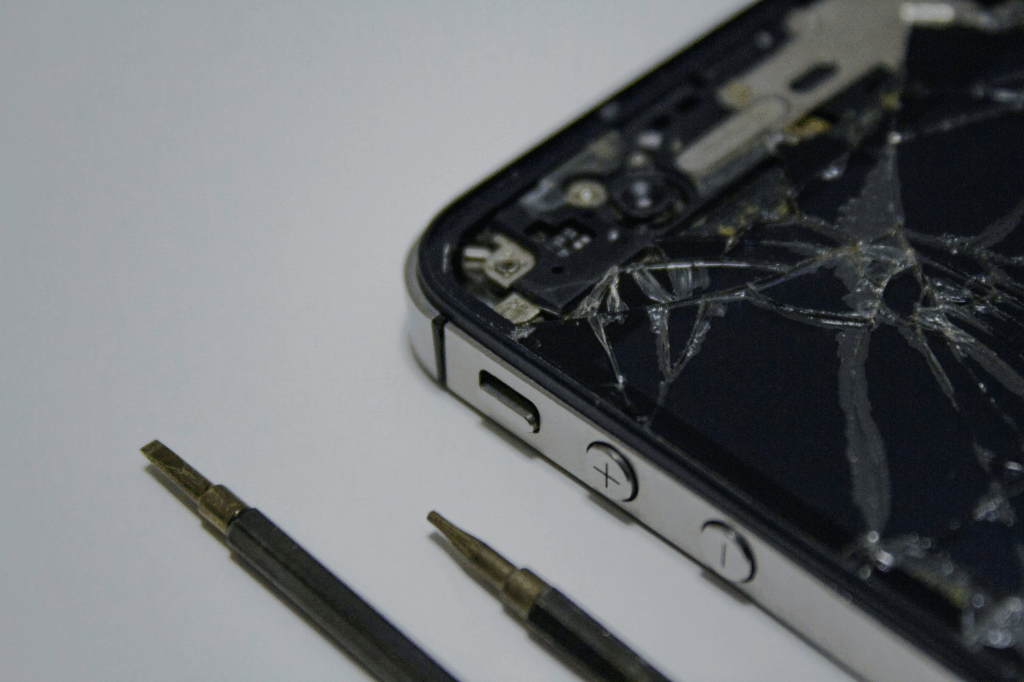
Not every issue is worth fixing. Here’s when replacement might make more sense:
- The cost of repair exceeds half the value of the device.
- Replacement parts are no longer available or are unreliable third-party versions.
- The phone or tablet is several generations old and no longer receives updates.
- You’ve already repaired it multiple times, and issues keep returning.
Before you decide, it’s best to get a professional opinion. A repair technician can tell you whether fixing your device is a smart investment or if it’s time to upgrade.
Bring Your Device Back to Life — The Right Way
If your phone or tablet is cracked, sluggish, or won’t hold a charge, there’s a good chance it can be restored. From broken phone screens in Princeton and tablet macbook battery replacement in Princeton to software installation in Princeton and system cleaning, most common problems can be fixed quickly and affordably.
At Princeton Computer Repair Service, we handle all types of device repairs, including Androids, iPhones, iPads, and more. Our experienced technicians diagnose the issue accurately and use quality parts to ensure your device performs like new again.
Whether it’s a shattered screen, a weak battery, or a software glitch that’s slowing you down, we’ll get it fixed right the first time.
Ready to Fix It? Let’s Get Started.
Stop struggling with a device that only half works. Let’s make it feel brand new again.
Contact Princeton Computer Repair Service today to schedule your repair or visit our shop for a quick diagnosis. We’ll tell you exactly what’s wrong, what’s fixable, and how to get your phone or tablet back to perfect condition, without the guesswork.
Our team also provides Remote Support for MAC in Princeton, Remote Software Installation for Windows in Princeton, and Remote Email Error Fixing in Princeton. Fast, reliable, and affordable repairs are just a call away.