
A slow or unresponsive computer can disrupt work, study, and daily life. Many people assume replacing their device is the only solution, but in reality, targeted upgrades can significantly extend a computer’s lifespan and restore performance. For homeowners, students, and small businesses in Princeton, understanding upgrade options helps reduce downtime and unnecessary expenses.
This guide explains how to improve computer speed and efficiency through smart upgrades, what can be done remotely, and when hands-on service is required for the best results.
Why Computers Slow Down Over Time
Computers naturally lose performance as software becomes more demanding and hardware ages. Common causes include limited memory, aging hard drives, outdated operating systems, and background programs consuming resources. Malware and unnecessary startup processes can also slow systems, often leading users to seek computer repair in Manville for help.
Performance issues don’t always indicate failure. In many cases, strategic upgrades and maintenance restore responsiveness and stability without full replacement.
Key Hardware Upgrades That Improve Performance
Memory (RAM) Upgrades
Adding or upgrading RAM is one of the most effective ways to improve speed. Insufficient memory causes freezing, lag, and slow multitasking. Increasing RAM allows systems to handle modern applications smoothly, especially for remote work, browsing, and office software.
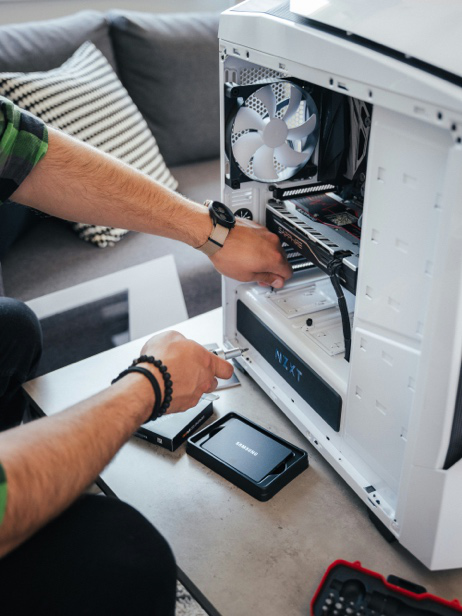
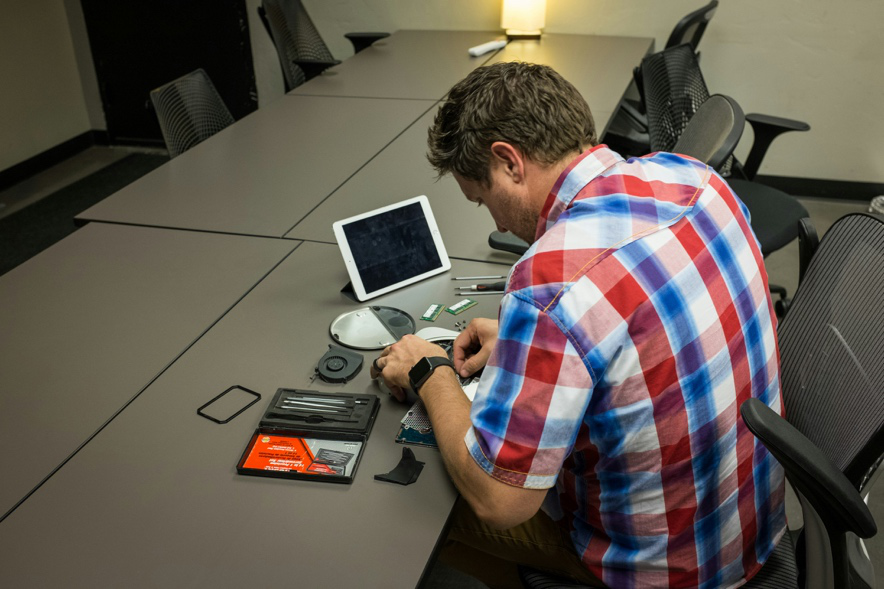
RAM upgrades typically require in-person service, particularly for laptops and compact systems, to ensure compatibility and proper installation. This is a common request for laptop repair in Princeton and desktop optimization.
Solid-State Drive (SSD) Installation
Replacing an older hard drive with a solid-state drive dramatically improves boot times and application performance. SSDs reduce loading delays and enhance system reliability.
After physical installation, data migration and optimization may involve computer data transfer in Princeton or laptop data transfer services to ensure files and settings move safely.
Battery and Power Component Upgrades
For laptops, worn batteries can throttle performance and cause shutdowns. A laptop battery replacement in Princeton restores portability and stability, especially for older MacBooks and Windows laptops.
Power-related upgrades require hands-on diagnostics to ensure safe operation and prevent further damage.
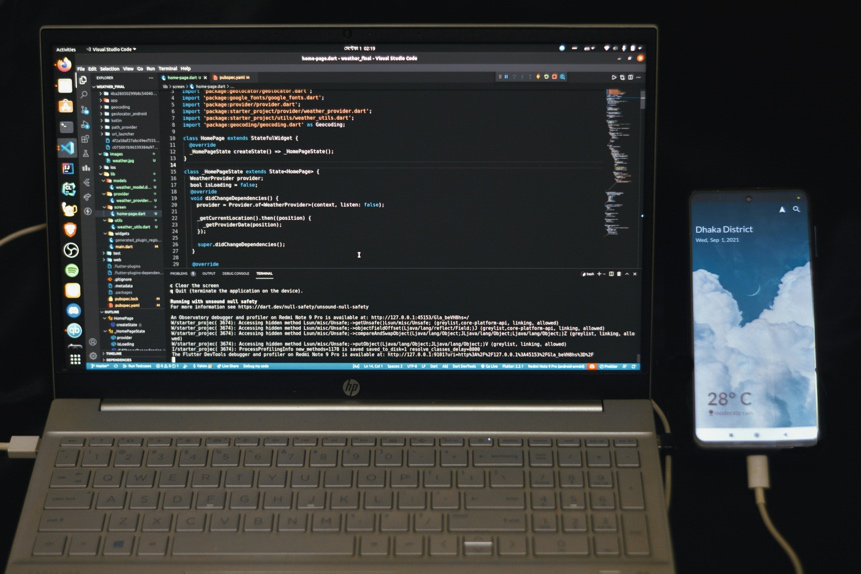
caption: laptop performance optimization by pc technician in Princeton
Upgrades That Can Be Handled Remotely
Some performance improvements don’t require physical access and can be addressed through remote support after a brief phone evaluation.
Software Optimization and Cleanup
Removing unnecessary programs, turning off startup bloat, and optimizing system settings can significantly improve responsiveness. This is often paired with computer maintenance in Princeton for long-term performance gains.
Operating System and Software Updates
Outdated systems often struggle with compatibility and security issues. Remote software installation services help update operating systems, drivers, and applications safely.
Email configuration and printer issues are also commonly resolved remotely, including printer installation in Princeton troubleshooting when hardware is already present.
Virus and Malware Removal
Malware drains system resources and compromises security. Remote virus removal in Princeton can eliminate threats, restore performance, and reduce the risk of data loss.
When In-Person Service Is Necessary
While remote services are effective for many upgrades, some scenarios require hands-on diagnostics:
- Physical hardware installation
- Systems that won’t boot or display video
- Overheating or hardware noise
- Broken components or visible damage
Issues involving broken computer screens, screen replacement, or computer screen repair always require in-person service. The same applies to broken hinge repair and internal hardware failures.
Upgrading Apple, Windows, and Gaming Systems
Different platforms require different upgrade strategies. Apple devices, including MacBooks and iMacs, often need specialized tools and experience. Services like MacBook, iMac, and MacBook Pro screen replacement in Princeton demand precision and platform-specific knowledge.
Gaming systems benefit from performance-focused upgrades such as memory expansion, storage improvements, and GPU optimization. Gaming pc repair services ensure upgrades align with thermal limits and power requirements.
Protecting Your Data During Upgrades
Any upgrade process should prioritize data protection. Before hardware changes, professionals often recommend backup verification or data recovery assessments to avoid accidental data loss.
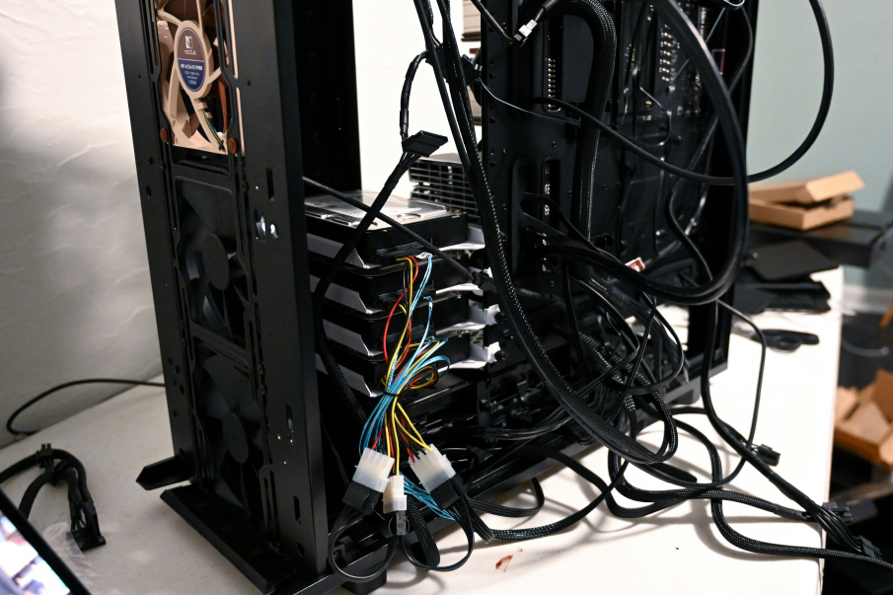
In cases where drives are failing or files become inaccessible, data recovery services can help retrieve important information before upgrades proceed.
Local Upgrade Support Matters
Working with a local technician provides faster turnaround and personalized recommendations. A Princeton-based pc technician understands common system issues in the area and can recommend upgrades based on real-world usage, not generic specs.
Clients from surrounding areas, such as those seeking computer repair, also benefit from professional evaluations that prevent unnecessary upgrades.
When an Upgrade Isn’t the Best Option
Sometimes, upgrading isn’t cost-effective. If hardware failure is extensive or components are obsolete, a technician may recommend replacement instead. Honest diagnostics help clients avoid overspending and make informed decisions.
In emergencies where systems fail unexpectedly, emergency computer repair services focus on stabilization first, then determine whether upgrades or replacements make sense.
Planning for Long-Term Performance
Upgrades should support both current and future needs. Professionals assess usage patterns, software demands, and growth expectations before recommending solutions. This planning ensures upgrades remain effective as technology evolves.
Proper upgrades also reduce the frequency of PC repair visits and improve reliability for daily use.
Final Note
Upgrading a computer is often the smartest way to restore speed and performance without replacing the entire system. Whether through memory expansion, storage upgrades, or software optimization, the right improvements can extend a computer’s lifespan significantly.
A professional computer upgrade in Princeton begins with accurate diagnostics, careful planning, and a clear understanding of which services can be handled remotely versus in person. With expert guidance, users can enjoy faster performance, improved reliability, and better value from their technology.
Upgrade with Confidence at Princeton Computer Repair Service
Princeton Computer Repair Service provides expert upgrade solutions for Windows, Apple, and Linux systems. From performance diagnostics and remote optimization to hands-on hardware upgrades, our technicians ensure your computer runs faster, smoother, and more reliably. Contact us today to discuss your upgrade options and restore peak performance.