
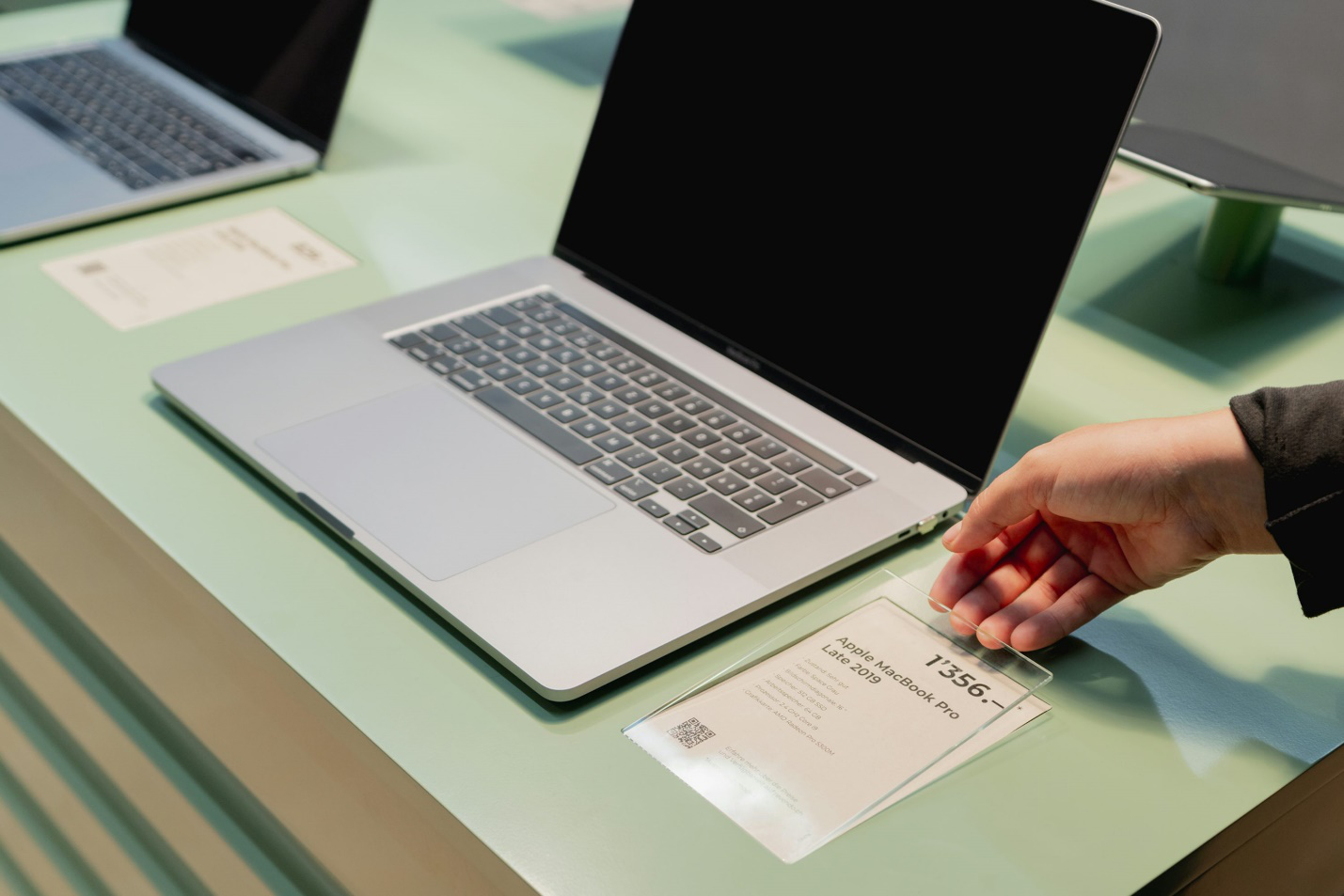
One minute you’re working on a project, and the next—your screen freezes, everything goes dark, or worse, your laptop refuses to reboot. A sudden system crash can hit like a freight train, especially when you’re under deadline or working on important documents. Panic is a natural reaction—but it won’t help your data or your device. What will help is knowing exactly what to do next.
This step-by-step guide is designed to walk you through the immediate actions you should take to protect your files and minimize hardware damage before calling a technician. Whether you’re dealing with a recurring crash or a one-time failure, these steps can make all the difference.
Step 1: Stay Calm and Take a Breath
Crashes feel catastrophic, but most aren’t fatal—especially if you act quickly and stay level-headed. Resist the urge to force shutdowns or unplug cables blindly. That can lead to hard drive corruption or data loss, which is what you’re trying to avoid.
Step 2: Disconnect External Devices
Immediately unplug any external hard drives, USB sticks, printers, or other peripherals. These can sometimes be the culprit behind crashes, especially if there’s a power surge or a faulty driver.
Remove accessories one by one and see if your system reboots afterward. If it does, you’ve already diagnosed the problem—and avoided a costly trip to a PC technician in Princeton.
Step 3: Try a Safe Reboot
Hold down the power button for 10–15 seconds until your device powers off. Then wait about 30 seconds and restart it. If your computer boots up, immediately back up your most critical files. Use an external drive or a cloud service like Google Drive or OneDrive.
If the crash repeats, boot into Safe Mode (for Windows) or macOS Safe Boot. These modes load only essential files, letting you isolate software or driver issues. It’s one of the fastest ways to stabilize your system temporarily while planning your next move.
Step 4: Check for Signs of Hardware Failure
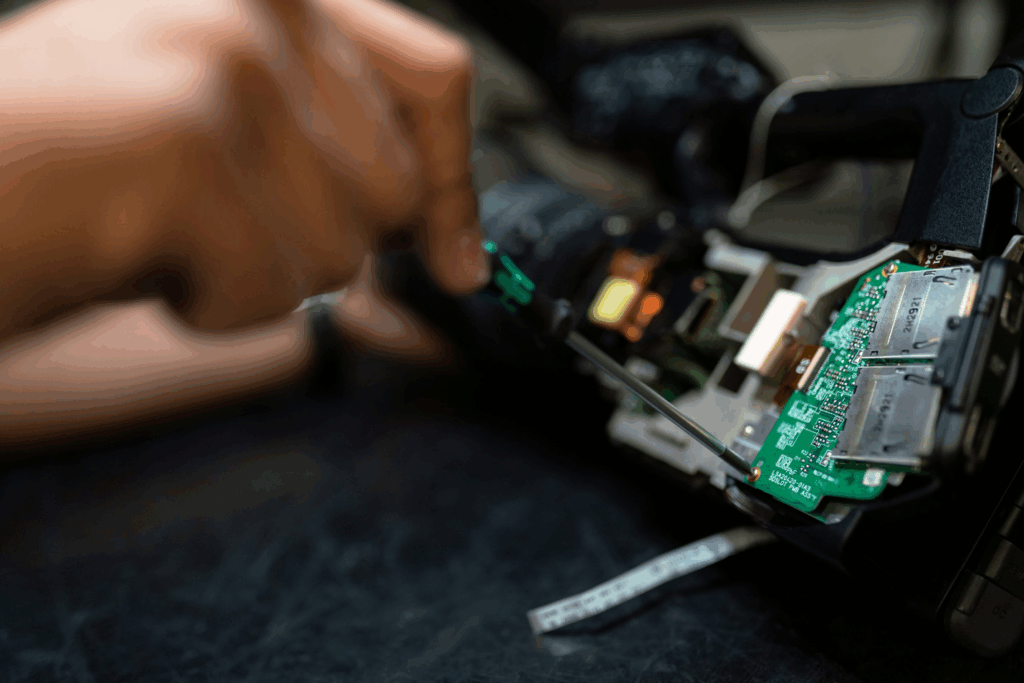
Once you’re back in, listen closely. Is your laptop making strange noises? Clicking, buzzing, or whirring sounds can indicate a failing hard drive or cooling fan. Smell anything burning? That’s a clear sign of internal damage—power it down immediately.
If your machine refuses to power on entirely, you’re likely dealing with hardware failure. Don’t keep pressing buttons or cycling power—these actions could make things worse. Instead, reach out to a trusted local pro for emergency computer repair, depending on your area.
Step 5: Retrieve What You Can
If the computer is still accessible—even temporarily—prioritize retrieving:
- Documents
- Photos and videos
- Financial data
- Work or school projects
If you’re unsure where files are stored or you suspect corruption, avoid further tinkering. Continued access attempts can overwrite lost data. Professionals offering data recovery in Princeton can often retrieve lost files even from seemingly dead systems, but only if the drive hasn’t been further compromised.
Step 6: Don’t Rush a Fix
A sudden crash may tempt you to download “miracle fix” software or install new drivers blindly. Don’t. These quick-fix tools can introduce viruses or destabilize your system even further. This is especially critical if your system’s behavior is erratic or if you suspect malware involvement.
If malware is a possible cause, professional virus removal in Princeton may be your best next step. Cleaning infections improperly can leave remnants behind that continue to cause crashes and data leaks.
Facing a System Crash? We’re Just a Call Away
At Princeton Computer Repair Service, we understand how disruptive a sudden system crash can be. Whether you’re trying to recover files, restore function, or prevent the next failure, we’re here to help. We specialize in pc repair, MacBook repair, broken screen repair in Princeton, and full diagnostics. Our expert team handles everything from data recovery to computer upgrades with precision and care.
Don’t wait for the problem to get worse. Call us now or visit the website to get help fast. We’re your go-to for safe, reliable, and fast computer repair in Princeton.