
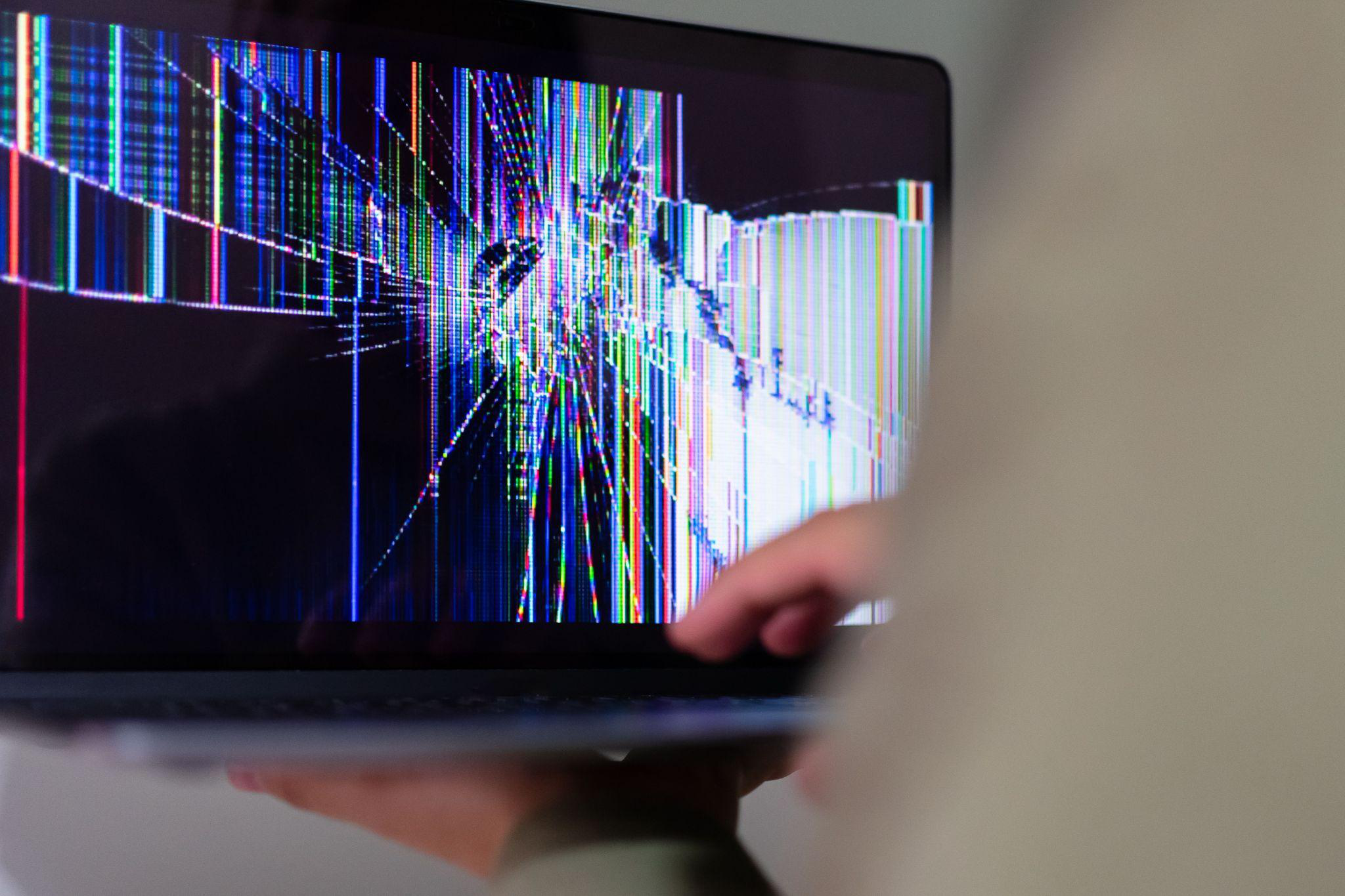
A hairline crack in the corner of a screen looks small enough to ignore. Plenty of people do exactly that: tape over it, angle the laptop a certain way, or just live with a dark triangle in one corner. What often gets missed is that a cracked display is rarely just a display problem.
Screen damage on laptops and desktop computers frequently signals something happening underneath the glass: a severed cable, a stressed hinge, or a component that’s failing quietly while the visible crack gets all the attention. This blog breaks down when a “cosmetic” issue is actually a warning sign of something bigger.
A Crack Is Rarely Just a Crack
The most common cause of a broken laptop screen is also the most mundane: dropping it. One report on laptop physical damage found that roughly 40% of laptop damage incidents stem from drops and falls, and even a short fall can be enough to crack glass or bend an internal frame. What happens after the drop is where things get complicated.
Forcibly closing or opening a laptop after impact can damage the hinge alignment, and that same flexing motion can also stress display cables, so a screen that survived the initial drop can develop new problems days later just from normal opening and closing.
This is why a crack in the corner of the glass doesn’t tell the whole story. A hinge mount can begin separating from the internal frame with no visible sign at all, and that repeated opening and closing after an impact can turn what is a repairable weakness into torn internal cables or a fully broken lid.
The advice here is straightforward: after any drop, inspect calmly rather than testing repeatedly, since each additional open-and-close cycle can make things worse.
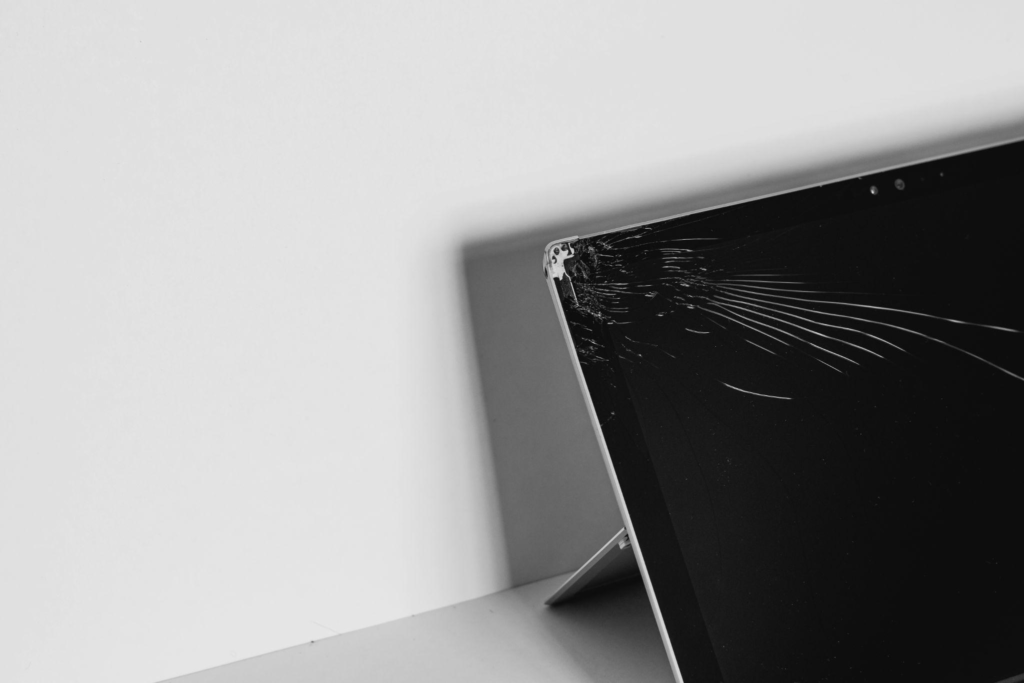
Why the Glass Doesn’t “Just” Leak or Just Crack
Understanding why a cracked screen behaves the way it does helps explain why some cracks are simple fixes, and others aren’t. A modern laptop display isn’t a single pane of glass; it’s a stack of layers, usually including a protective outer layer, a digitizer that senses touch, the LCD panel itself, and a backlight.
A single 1080p display contains millions of individual pixels and several million more sub-pixel transistors, all connected along microscopically thin traces. Once a crack severs enough of those connections, there’s no realistic way to repair the panel itself; the fix is replacing the assembly, not patching the glass.
This also explains the blotchy black or discolored patches people sometimes see spreading from a crack. That’s the liquid crystal layer, sealed at the edges in a layer just a few micrometers thick, losing its structure once the seal is broken.
It’s a common misconception that this fluid is dangerous or will visibly leak out; in most cases the actual quantity involved is tiny, and the bigger issue is the permanent loss of image quality in that section of the screen rather than anything hazardous.
Touch Functionality Complicates the Repair
On touchscreen devices, a cracked display raises a separate question: is it just the outer glass, or is the touch layer damaged too? On some systems, the touch layer, digitizer, and display panel are separate components, while on others they’re bonded into a single assembly, meaning a crack that looks minor on the surface might require replacing far more than just the glass.
This distinction matters for cost and turnaround time, and it’s part of why an accurate screen replacement in Princeton estimate depends on identifying exactly which layers were affected, not just how the crack looks from the outside.
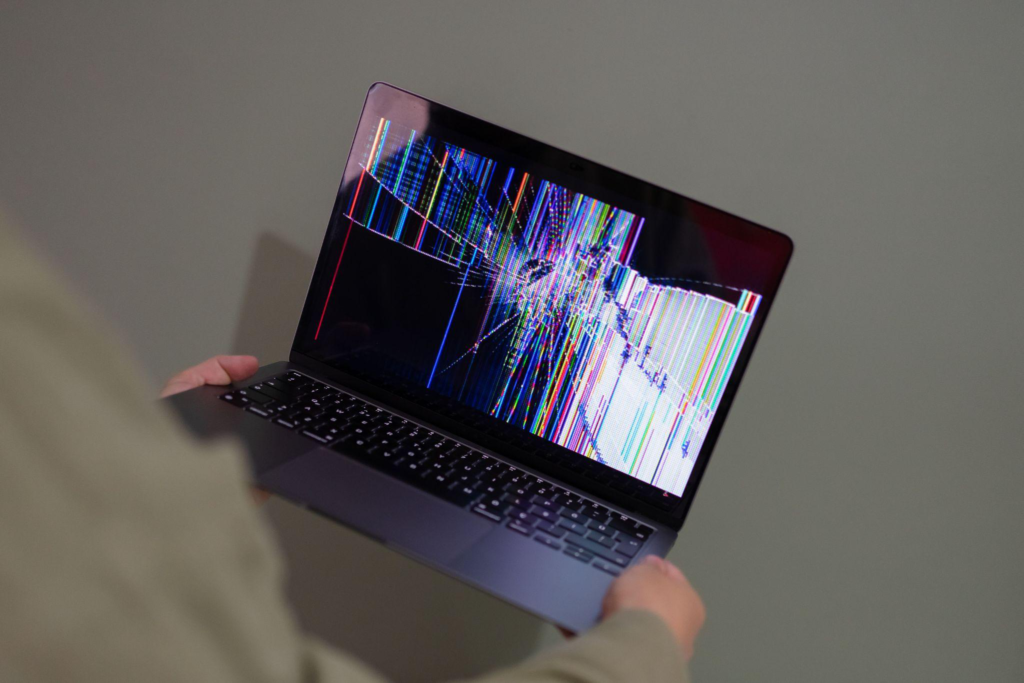
Hinges Take the Damage Nobody Notices
Hinges rarely get blamed for screen problems, but they’re doing more structural work than most people realize. Every time a laptop lid opens and closes, the hinge routes the display cable through a tight, repeatedly flexing space.
Forcing a lid open or closed, something that becomes more likely once a hinge is already loose or misaligned from a drop, can bend or damage display cables even when the glass itself looks fine.
A loose hinge that goes unaddressed tends to get worse with ordinary daily use, eventually pulling on the same cables responsible for a stable picture. This is where broken hinge repair work often overlaps directly with screen issues: a hinge that’s replaced early can prevent a display cable failure that would otherwise require a full laptop repair in Princeton teardown later.

A cracked or flickering screen is never purely a cosmetic issue waiting to be tolerated. It’s frequently the visible symptom of cable stress, hinge damage, or a compromised display assembly underneath.
Catching it early is usually the difference between a straightforward repair and one that grows more complicated the longer it’s ignored.
That kind of accurate diagnosis is exactly what Princeton Computer Repair Service offers to clients across Mercer County and beyond. We handle broken hinge repair in Princeton for laptops, desktops, and tablets alike, along with computer screen repair in Princeton for cracked, flickering, or discolored displays that turn out to be more than a surface-level problem.
For hinge-related damage that’s stressing internal cables, our broken hinge repair service addresses the structural issue before it turns into a full display failure.
If a screen is cracked, flickering, or a hinge feels loose, don’t wait for it to get worse. Contact us today to get it properly checked out.