
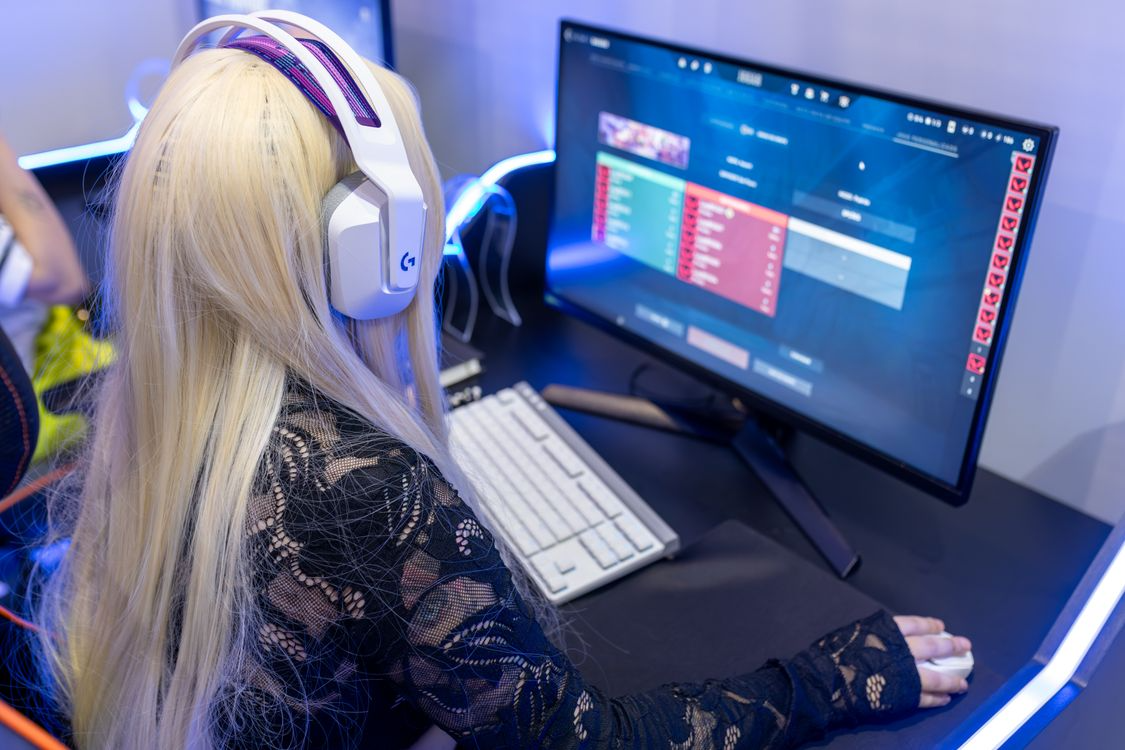
A gaming PC is not simply a faster version of a standard computer. It is a different class of machine, built to sustain workloads that would shut down a typical office setup within minutes, and engineered with a level of component interdependence that makes diagnosis and repair significantly more technically demanding than a standard laptop or desktop. For gaming PC repair in Princeton and surrounding areas including Hamilton, Trenton, and North Brunswick, the difference between a repair shop that understands this and one that does not is the difference between a correctly resolved issue and a misdiagnosed problem that recurs or worsens.
What Gaming PCs Actually Demand From Their Hardware
A gaming PC running a modern title at high settings places every major component under sustained, near-maximum load simultaneously. The CPU, GPU, RAM, storage, and power supply are all operating at levels that a standard productivity machine reaches only briefly, if at all. According to GPU maintenance research published by Prime Tech Support, by the time users notice high temperatures, increased fan noise, or FPS drops, thermal stress has often already impacted internal materials. GPU degradation is progressive rather than sudden, with dust buildup, paste drying, and airflow restriction creating a compounding effect that slowly reduces thermal efficiency until performance loss becomes visible.
This is the first reason gaming PCs require specialized attention: the failure modes are progressive and often invisible until they have already caused meaningful damage. A technician who approaches a gaming PC the way they would approach a standard laptop is working at the wrong level of the problem.
Thermal Management: The Core Technical Challenge
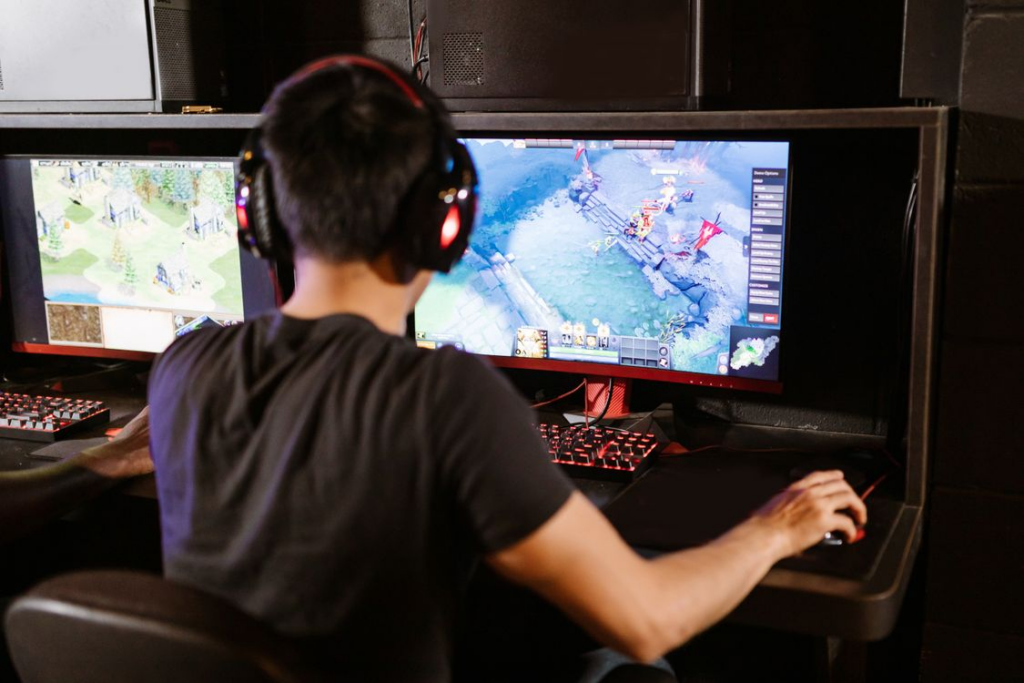
Thermal management in a gaming PC is not a single component or a single setting. It is a system involving thermal paste quality and application, heatsink contact, fan curve configuration, case airflow design, and ambient temperature, all of which interact with each other and all of which can contribute to overheating when any one variable is compromised.
Professional gaming PC repair starts with comprehensive thermal analysis. PC Geeks documents this process in detail: technicians use specialized tools to measure component temperatures under various load conditions, identifying exactly where heat problems originate. This diagnostic approach reveals whether the issue is a cooling system failure, an airflow restriction, or a component-specific problem. Thermal paste replacement provides immediate temperature reductions for aging systems, and professional-grade cleaning goes far beyond what typical users can achieve with consumer-grade supplies.
Standard repair shops rarely stock the diagnostic software, thermal imaging tools, or component-specific knowledge to perform this kind of analysis correctly. The result is that gaming PCs sent to generalist shops frequently come back with surface-level fixes that do not address the underlying thermal issue driving the problem.
Overclocking, BIOS Configuration, and Stability Testing
Many gaming PCs are running configurations that differ significantly from their factory defaults. Overclocked CPUs and GPUs, custom fan curves, modified power limits, and manually tuned RAM timings are common across enthusiast builds and create a diagnostic environment that is fundamentally different from a standard machine.
As Computer Performance’s overclocking guide explains, troubleshooting issues in an overclocked system requires understanding the full picture: system crashes, unexpected reboots, overheating, and instability during operation can all arise from incorrect overclocking settings, and correctly diagnosing them requires knowing whether the issue originates in the overclock itself, the cooling solution, or the power delivery system.
A technician who does not understand overclocking cannot safely diagnose a system running one. Resetting BIOS to defaults without understanding why specific settings were applied, or replacing components without verifying whether instability originates in the hardware or the configuration, are mistakes that generalist shops make regularly with gaming PCs.
Electronics Ideas’ research on advanced PC building confirms that poor cable management alone can raise component temperatures by 5 to 10 degrees Celsius, elevating the risk of thermal throttling during sustained loads. A specialist technician identifies this as part of a holistic system review. A generalist looking for a single faulty component may miss it entirely.
GPU-Specific Repair and Component-Level Diagnostics
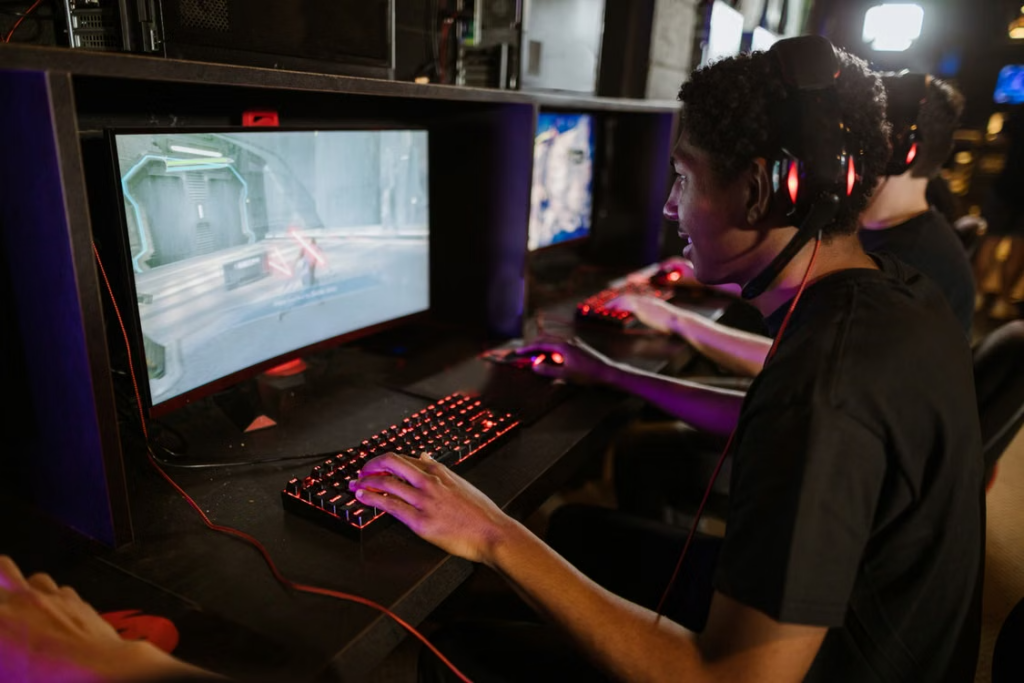
The GPU in a gaming PC is typically the most expensive single component in the system and the one most likely to be at the center of any performance issue. GPU degradation is progressive, with dust buildup, paste drying, and airflow restriction creating a compounding effect. Problems like bent CPU pins, motherboard socket damage, or BIOS incompatibility can prevent a system from booting entirely and require hardware-level diagnosis that many shops are not equipped to resolve.
GPU-level repair involves more than replacing the card. It can require diagnosing VRAM issues, identifying driver conflicts, testing under controlled load conditions, and in some cases physical repair of the card itself. This level of diagnosis requires both the right tools and the right knowledge base, neither of which a standard repair shop is likely to maintain.
For Gaming PC repair clients, this is the most consistent gap between specialist and generalist service: the ability to correctly identify whether a GPU issue originates in the card itself, the power supply, the thermal management system, or the software environment before recommending a repair path.
Why Preventive Maintenance Matters More for Gaming PCs
Technoid Gaming PC’s maintenance guide recommends that gaming PC maintenance include replacing thermal paste, checking the power supply unit condition, and inspecting cooling systems annually. Signs that professional help is needed include overheating that persists despite cleaning, odd noises from PSU or GPU fans, regular game freezes or restarts, blue screens, and electrical burning odors, all of which require immediate professional attention rather than DIY intervention.
For a machine that runs at high load regularly, annual maintenance is not optional. The accumulation of dust, thermal paste degradation, and fan wear across a year of heavy gaming use creates compounding performance loss that is measurable but gradual, meaning most users do not notice it until the system becomes unstable or significantly slower than it was at peak performance.
computer maintenance for a gaming PC is a specific service category that goes beyond standard annual checkups. It includes load testing, thermal profiling, component-specific cleaning, and configuration review alongside the physical maintenance that any machine requires.
Get Expert Gaming PC Repair in Princeton from Princeton Computer Repair Services
If your gaming PC is running hotter than it used to, crashing under load, or simply not performing the way it did at its best, the issue is unlikely to be resolved by a shop that treats it like a standard computer. Contact Princeton Computer Repair Service for gaming PC repair, computer maintenance, virus removal, data recovery, and specialist diagnostics for gaming systems across Princeton, Hamilton, Trenton, and North Brunswick.