
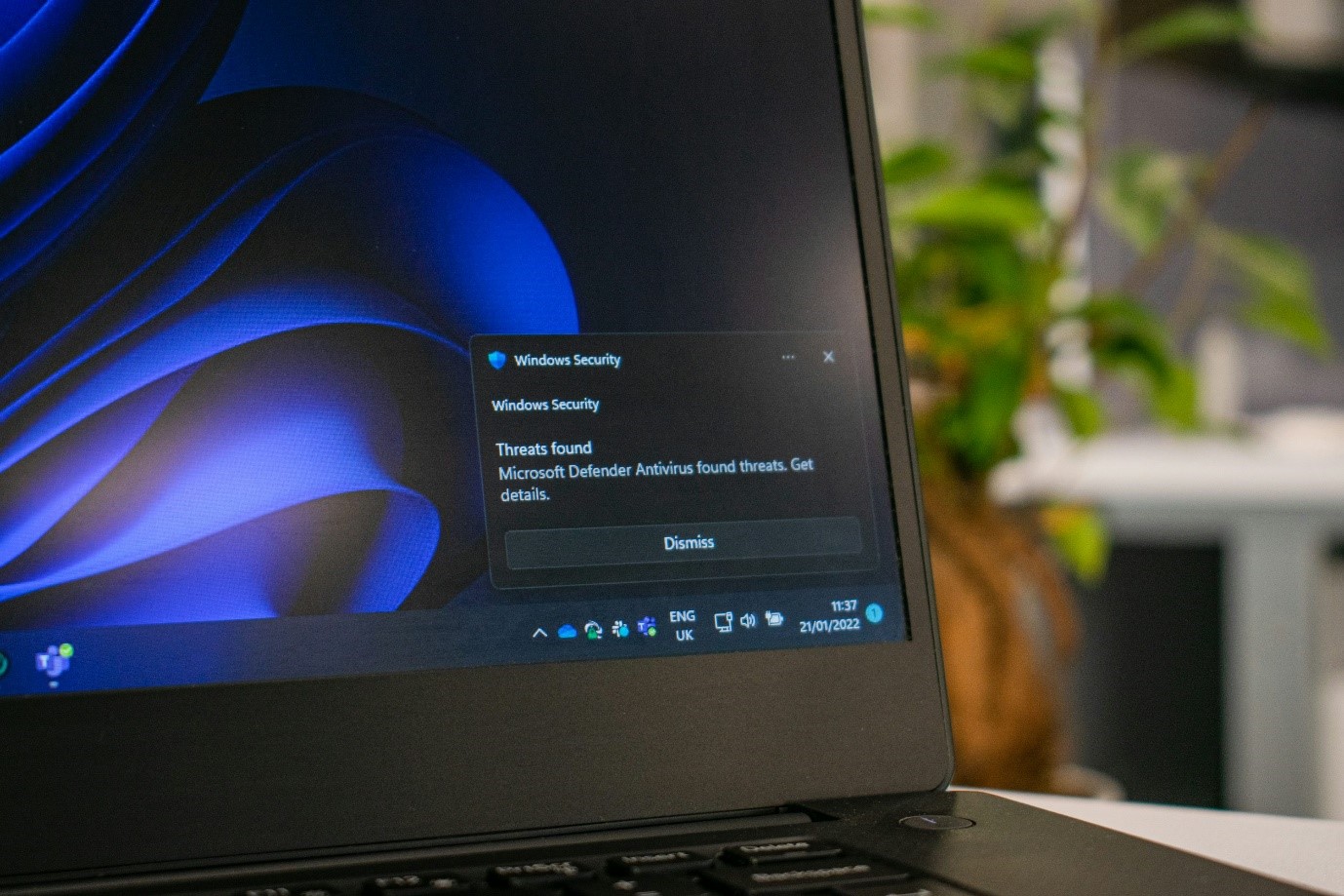
Malware does not always announce itself with a dramatic system crash or an obvious error message. In many cases, the signs of an infection are subtle, gradual, and easy to attribute to unrelated causes until the damage is already done. The average dwell time between infection and detection dropped to 10 days in 2025, down from 16 days in 2023, as AI-enabled malware is designed to complete its objectives faster before the user realizes anything is wrong. For computer users in Princeton, Hamilton, Trenton, and the surrounding area, recognizing the early warning signs of a malware infection is one of the most valuable skills in digital self-defense. Over 450,000 new malware samples are detected every day, with 94 percent of malware delivered via email, making every connected computer a potential target regardless of how carefully its owner browses. Understanding what to look for, and knowing when to call a professional for virus removal, can mean the difference between catching an infection early and dealing with the consequences of one that ran unchecked for weeks.
Sudden and Unexplained Slowdown
One of the most common and most frequently overlooked early signs of malware infection is a noticeable decrease in system performance that has no obvious hardware or software explanation. When malware runs in the background, it consumes processor cycles, memory, and network bandwidth to carry out its operations, whether that is mining cryptocurrency, transmitting data to a remote server, or preparing a ransomware payload for deployment.
A computer that has become suddenly and consistently slower, takes longer to boot, responds sluggishly to application launches, or struggles with tasks it handled easily before is exhibiting a pattern worth investigating. The key distinction is consistency. Every computer slows down occasionally during heavy workloads. A computer that slows down persistently under light use, particularly after a specific event like opening an email attachment or downloading a file from an unfamiliar source, warrants a professional diagnostic evaluation.
Unusual Network Activity
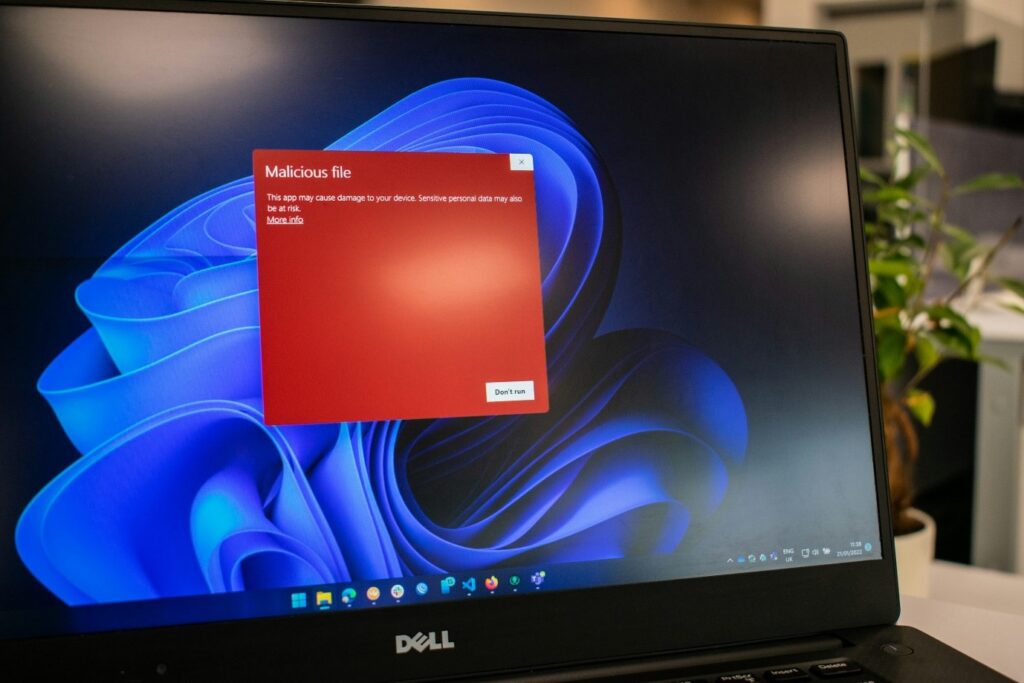
Malware frequently requires a network connection to function, communicating with remote command-and-control servers to receive instructions, upload stolen data, or download additional malicious payloads. This network activity can manifest in observable ways for attentive users. Unusually high data usage, network indicator lights that continue blinking when no applications are actively running, or noticeable slowdowns in internet speed despite no change in household usage are all potential indicators of unauthorized background network communication.
Router logs and network monitoring tools can reveal outbound connections to unfamiliar IP addresses or domains, but most home users lack the technical background to interpret this data reliably. If unexplained network behavior accompanies other performance symptoms, professional virus removal and network analysis is the appropriate response.
Browser Behavior Changes
The web browser is one of the most common targets and most visible indicators of malware infection. Browser-based malware, including adware, hijackers, and certain trojans, frequently manifests through changes to browser behavior that the user did not initiate. A homepage that has changed to an unfamiliar address, a default search engine that has been replaced, new toolbars or extensions that appeared without installation, persistent pop-up advertisements that appear across all websites, or redirects that send the user to unexpected pages when clicking legitimate links are all classic signs of browser-targeted malware.
These symptoms are sometimes dismissed as minor annoyances rather than security threats, but browser hijackers and adware frequently serve as delivery mechanisms for more serious payloads. An infection that presents initially as unwanted advertising can be the entry point for credential-stealing software or ransomware if left unaddressed. Princeton Computer Repair Service provides professional virus removal that addresses both the visible browser symptoms and the underlying infection responsible for them.
Disabled Security Software
One of the more alarming early warning signs of malware infection is the discovery that antivirus software, Windows Defender, or firewall protection has been disabled or is generating errors that prevent it from running. Sophisticated malware frequently targets security software as a first priority, disabling or circumventing it to prevent detection and removal before the primary payload can be deployed.
A user who notices that their security software is no longer updating, is showing warning messages about being disabled, or cannot be launched should treat this as an urgent indicator of a potential infection rather than a routine software glitch. Security software does not disable itself under normal operating conditions, and a system with compromised defenses is significantly more vulnerable to escalating infection.
Unexpected Programs and Processes
Malware installations frequently involve the placement of programs or background processes that were not installed by the user and serve no legitimate purpose on the system. These can appear in several places. The startup program list may contain unfamiliar entries that were not present before. The task manager may show processes consuming significant resources under names that do not correspond to any installed software. New desktop shortcuts, unfamiliar applications in the program list, or changes to file associations that cause documents to open in unexpected applications are all potential indicators of unauthorized software installation.
Trojans account for 58 percent of all malware, and they are specifically designed to appear legitimate or remain invisible while carrying out malicious operations in the background, making the discovery of unfamiliar programs and processes one of the most reliable behavioral indicators of infection available to everyday users. A professional malware scan will identify and safely remove these components without the risk of damaging legitimate system files in the process.
Frequent Crashes and Error Messages
While system crashes and error messages have many potential causes, a sudden increase in their frequency, particularly when accompanied by other symptoms on this list, is a pattern worth taking seriously. Certain types of malware corrupt system files, interfere with memory management, or conflict with legitimate software in ways that produce instability. A computer that was previously stable and begins crashing regularly, displaying blue screen errors, or freezing during routine tasks may be experiencing the system-level disruption that an active malware infection can produce.
Approximately 81 percent of organizations worldwide encountered at least one malware-related security incident in the past 12 months, a figure that reflects the scale of the threat facing both businesses and individual users. For home users in Princeton and surrounding communities, the practical implication is that malware infection is not a remote possibility reserved for large organizations. It is a routine threat that requires routine awareness and, when symptoms appear, prompt professional response.
When to Call a Professional
The warning signs described in this guide range from mildly suspicious to clearly urgent, but the appropriate response to any combination of them is the same: professional evaluation before the infection has time to progress. Attempting to remove malware without professional tools and expertise risks incomplete removal, leaving active components in place that will reinfect the system, or accidentally damaging legitimate system files during the cleanup process.
Princeton Computer Repair Service provides comprehensive virus removal and malware remediation for computers across Princeton, Hamilton, Trenton, Ewing, North Brunswick, and Manville. If your computer is showing any of the symptoms described above, do not wait for the situation to escalate. Early intervention is always faster, less disruptive, and less expensive than addressing the consequences of an infection that was allowed to run its course.
Protect Your Computer with Princeton Computer Repair Service
Princeton Computer Repair Service provides professional virus removal, malware remediation, and computer maintenance for residents and businesses across Princeton, Hamilton, Trenton, Ewing, and North Brunswick. If your computer is running slow, behaving strangely, or showing any of the warning signs above, our experienced PC technicians in Princeton are ready to diagnose and resolve the problem quickly. Contact us today and let us protect your system before the damage goes further.
When to Call a Professional Princeton Computer Repair Service provides complete virus removal and malware remediation across Princeton, Hamilton, Trenton, and surrounding communities before infections escalate.