
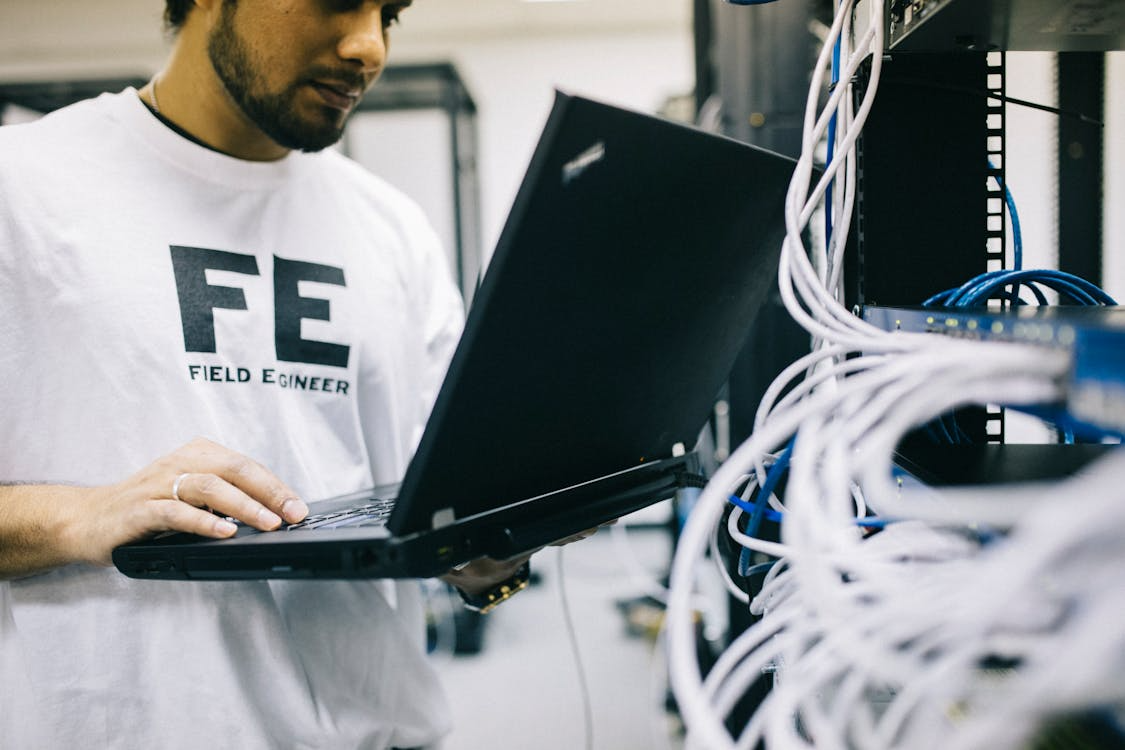
When your computer crashes without warning, productivity can come to a halt instantly. Whether it happens during an important work task, online class, or critical system update, a sudden PC failure is stressful and disruptive. For residents and businesses in Princeton, knowing how to respond correctly can minimize damage and speed up recovery. Most importantly, understanding when to call professional emergency computer repair specialists can protect your data and prevent costly mistakes.
Learn what to do when your PC crashes in Princeton, including emergency steps, data protection tips, and why calling professional computer repair services is the safest solution.
Learn what to do when your PC repair in Hamilton, including emergency steps, data protection tips, and why calling professional computer repair services is the safest solution.
Stay Calm and Assess the Situation

The first step after a computer crash is to stay calm. Panic often leads to rushed actions that can worsen the problem. Take a moment to note what happened just before the crash. Did the system freeze, shut down unexpectedly, or display an error message? Was there a recent software update, new application install, or power fluctuation? These details are critical for diagnosing the issue and should be shared with a repair professional to speed up troubleshooting.
Avoid Repeated Restarts
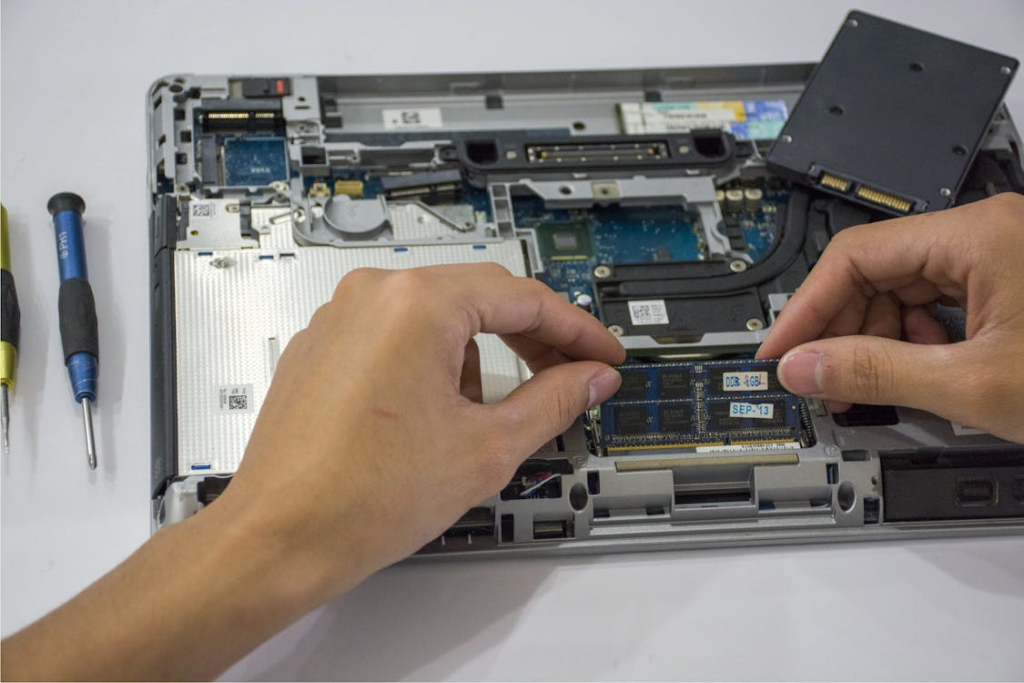
Repeatedly restarting a crashed computer can cause further damage, especially if the issue involves failing hardware or corrupted system files. If your PC does not boot properly after one restart, stop trying. Continued attempts can overwrite important data, worsen drive damage, or trigger overheating. This is often the point where professional assistance becomes essential.
Check Power and External Connections
Some crashes are caused by simple power disruptions. Check that the power cable is firmly connected and that any surge protectors or power strips are working correctly. Disconnect external devices such as USB drives, printers, monitors, and external hard drives. Faulty peripherals can prevent a system from starting correctly. If the computer still fails to boot after these checks, the issue is likely internal and requires expert evaluation.
Listen for Warning Signs
Unusual sounds such as clicking, grinding, or excessive fan noise are strong indicators of hardware trouble. These warning signs should never be ignored. Hard drive failures and overheating components can worsen quickly if the system remains powered on. Shut the computer down immediately and avoid further use until a professional technician can inspect it.
Protect Your Data Immediately
Data loss is one of the most serious risks following a computer crash. Avoid installing recovery software or attempting advanced fixes on your own, as incorrect steps can permanently erase files. Professional technicians use specialized tools and controlled recovery procedures that maximize data retention. Acting quickly significantly improves the chances of successful data recovery.
Understand Common Causes of PC Crashes
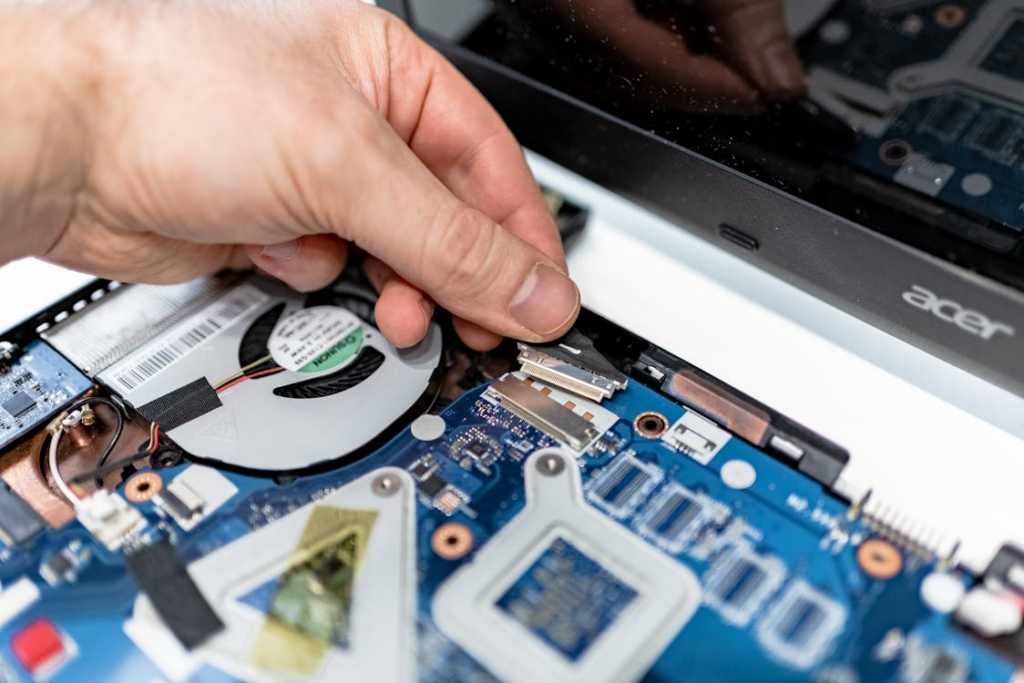
Sudden computer crashes are often caused by failing hard drives, overheating processors, corrupted operating systems, malware infections, or power supply issues. In Princeton, power surges during storms or electrical inconsistencies in older buildings are also common contributors. While identifying the exact cause requires diagnostics, sharing symptoms helps technicians resolve the issue faster.
Resist DIY Repairs and Online Fixes
Online tutorials often provide generic advice that does not apply to every system. Incorrect BIOS changes, registry edits, or forced system resets can cause irreversible damage. Emergency computer repair requires technical expertise and proper diagnostic tools. This is especially critical when business systems or sensitive personal data are involved.
Many online fixes are written for outdated operating systems or different hardware configurations, which can lead users to apply steps that conflict with their system setup. In some cases, a simple mistake can render a computer completely unbootable or permanently erase valuable files. Professional technicians follow controlled diagnostic processes that identify the root cause before any changes are made, reducing risk and ensuring repairs are performed safely and effectively.
Call a Professional Computer Repair Service
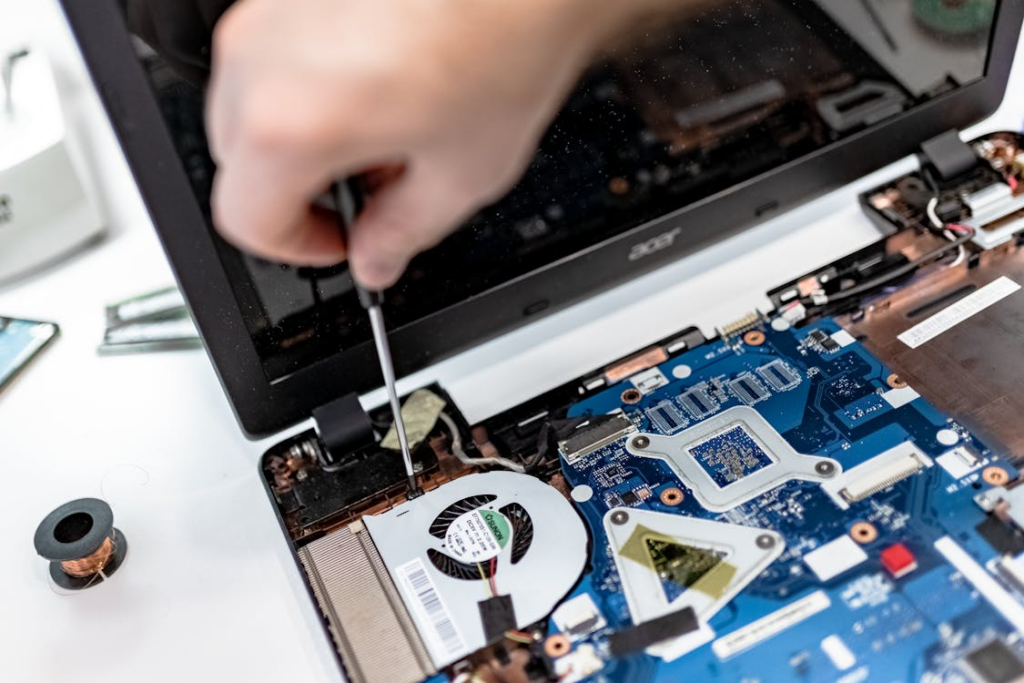
The most effective step after a serious PC crash is to contact a professional computer repair service in Princeton. Trained technicians can accurately diagnose hardware and software failures and determine the safest recovery path. They are equipped to handle power supply failures, corrupted operating systems, malware damage, and failing storage devices efficiently.
Professional repair services also significantly reduce downtime. Instead of spending hours guessing at solutions, a qualified technician can quickly identify the root cause and restore your system. For businesses, this can be the difference between a minor interruption and a major operational disruption.
Why Speed Matters in Emergency Repairs
Time is critical after a computer crash. Delaying professional help can turn minor issues into major failures. A damaged hard drive, for example, may still be partially readable shortly after a crash, but continued use can permanently destroy recoverable data. Prompt professional intervention lowers repair costs and improves recovery outcomes.
Benefits of Local Princeton Repair Professionals
Choosing a local Princeton computer repair provider offers faster response times and personalized support. Local technicians are familiar with area-specific infrastructure challenges such as power instability and network configurations. Many offer same-day or emergency services, which is essential when time is limited.
Prevent Future Emergencies
Once your system is repaired, professionals can help prevent future crashes through hardware health checks, system optimization, malware protection, and automated backup solutions. These preventative measures reduce the risk of future emergencies and extend the life of your computer.
Final Thoughts
A PC crash can be overwhelming, but the right response makes all the difference. Avoid risky DIY fixes, protect your data, and contact professional computer repair services as soon as possible. For Princeton residents and businesses, trusted local experts provide the fastest, safest, and most reliable path to recovery when computer emergencies strike.
Reduce Downtime and Stress with Emergency Computer Repair Services from Princeton Computer Repair
When your system fails unexpectedly, Princeton Computer Repair provides fast emergency computer repair to get you back up and running. From laptop and desktop repairs to data recovery in Princeton, virus removal, and screen replacement in Princeton, experienced technicians deliver reliable solutions. Call Princeton Computer Repair today for prompt, professional support.