
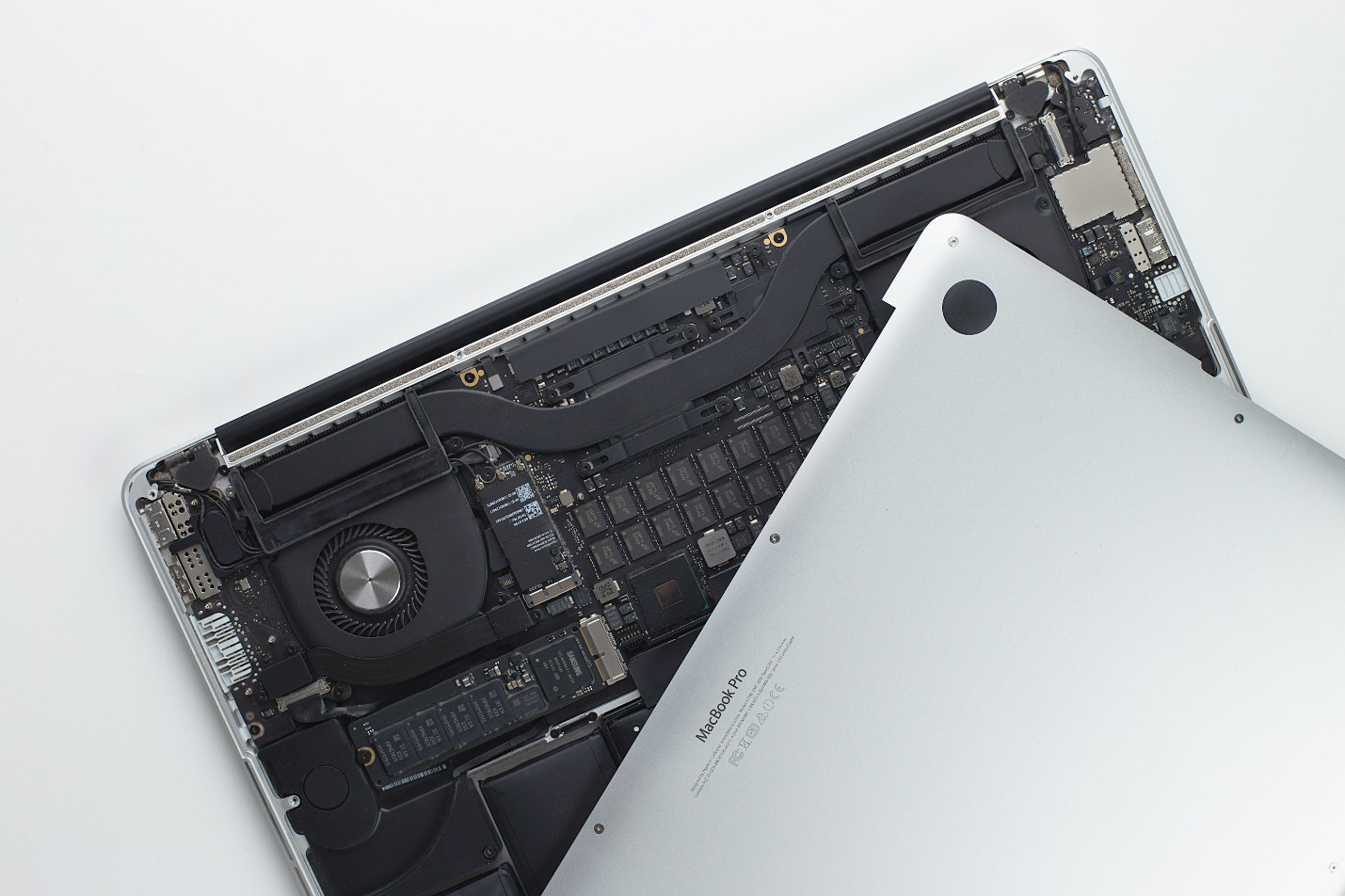
There’s never a good time for your laptop to break. Maybe you’re preparing a presentation, attending an online class, or finishing up a big project, and suddenly the screen flickers, the battery dies within minutes, or the hinge cracks when you open it. These issues are more than inconvenient; they can grind your productivity to a halt.
The good news? Most of the problems you’ll face with a laptop can be fixed by professionals who specialize in getting devices back in working order. Whether you need broken screen repair, a laptop battery replacement in Princeton, or even broken hinge repair in Princeton, you don’t have to throw away your laptop and buy a new one. With the right repairs, your laptop can be restored to full health at a fraction of the cost of replacement.
This guide covers the most common laptop issues, why they happen, what to watch out for, and how experts can help keep your laptop running like new.
Why Laptop Repairs Are Worth It
Laptops aren’t cheap. Investing in a MacBook, gaming laptop, or even a mid-range PC is a significant purchase. When something breaks, many people assume it’s time to shop for a replacement. But in most cases, repairs are a smarter option.
Professional repairs can:
- Save you hundreds of dollars compared to buying new.
- Extend the lifespan of your device by years.
- Keep all your data, files, and apps intact.
- Restore full functionality and reliability.
In short: don’t count your laptop out just because something goes wrong.
The Most Common Laptop Repairs
1. Broken or Damaged Screens
One accidental drop is all it takes. Suddenly your laptop screen looks like shattered glass, or it flickers with strange lines. In some cases, the display goes completely black even though the laptop powers on.
Why it happens:
- Drops, bumps, or heavy pressure on the lid.
- Closing the laptop too forcefully.
- Weakening of screen connections over time.
The solution:
Professional broken screen repair services replace cracked or damaged displays safely and correctly. Technicians know how to handle delicate ribbon cables and connectors, which are easy to damage with DIY attempts. With the right parts and expertise, your screen can look just as good as it did on day one.
2. Dead or Weak Batteries
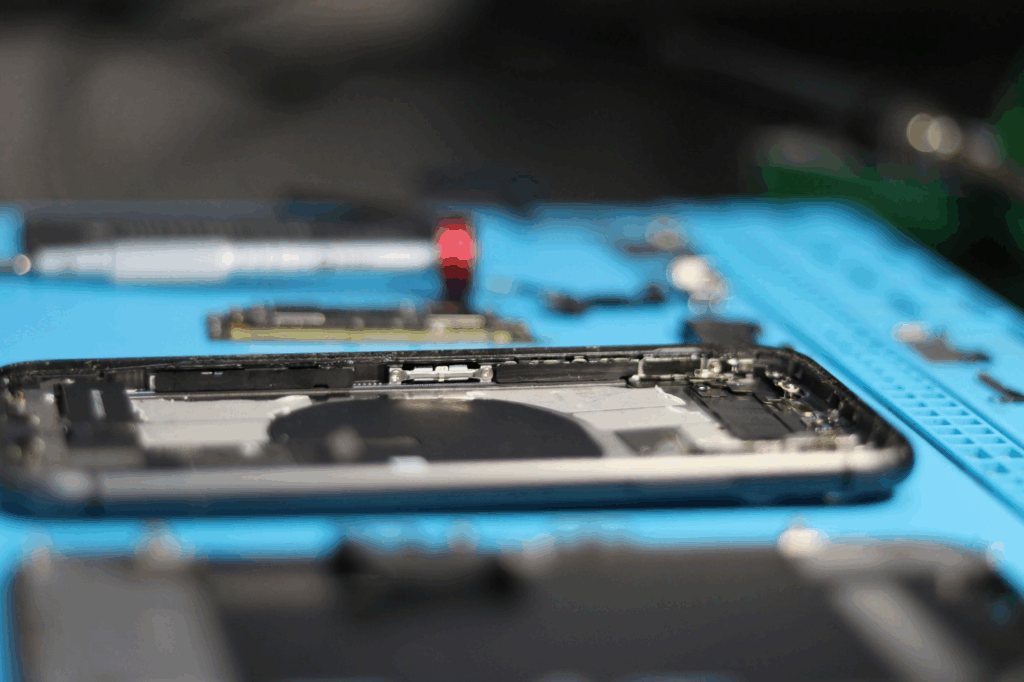
Few problems are as frustrating as a laptop that dies after only 15 minutes of use. A failing battery leaves you tethered to a wall outlet and defeats the purpose of portability.
Why it happens:
- All rechargeable batteries degrade with age.
- Heat accelerates battery wear.
- Constant charging without letting the battery discharge.
- Faulty or incompatible chargers.
The solution:
With a laptop battery replacement, technicians install a fresh, compatible battery that restores your laptop’s mobility. They also check the charging port and adapter to make sure power issues aren’t being caused by other hardware.
3. Broken Hinges
Laptop hinges take more abuse than most people realize. Every time you open or close your laptop, you’re putting pressure on those joints. Over time, they can crack, break, or pull at the casing.
Why it happens:
- Carrying the laptop by the screen.
- Slamming the lid closed repeatedly.
- Natural wear and tear after years of use.
The solution:
A broken hinge repair service can replace the hinges, reinforce the casing, and prevent additional damage to the display and cables. Ignoring a hinge problem often leads to worse issues, like damaged screens or broken bezels.
4. Overheating
Is your laptop hotter than your morning coffee? Overheating is a common issue that can cause sluggish performance, random shutdowns, and long-term damage to components.
Why it happens:
- Dust clogging fans and vents.
- Old or degraded thermal paste.
- Using the laptop on soft surfaces that block airflow.
- Running too many demanding programs at once.
The solution:
Professional computer maintenance includes cleaning out dust, replacing thermal paste, and testing fan performance. With proper cooling, your laptop stays faster, quieter, and more reliable.
5. Hard Drive or SSD Failures
Your laptop’s storage is where everything lives—documents, photos, music, and software. If the drive starts failing, the signs can be subtle at first: longer boot times, unusual noises, or files that won’t open. Left unchecked, it can lead to total data loss.
Why it happens:
- Natural wear from years of use.
- Drops and impacts.
- Corrupted sectors or software issues.
- Power surges.
The solution:
Fast response is key. Data recovery services can often salvage files from failing drives. At the same time, technicians may recommend upgrading to a solid-state drive (SSD), which improves speed and reliability.
6. Software Problems and Viruses
Not every issue is caused by hardware. Sometimes it’s the software that causes slowdowns, glitches, or even complete crashes. Viruses and malware are especially dangerous, as they compromise not just performance but also security.
Signs include:
- Endless pop-ups.
- Programs opening and closing on their own.
- Unexplained spikes in fan activity.
- Strange activity on your accounts.
The solution:
Professional virus scans and removal protect your data while restoring performance. In some cases, a clean install of the operating system can breathe new life into your laptop.
Why DIY Fixes Often Backfire
The internet is full of “how-to” videos that make laptop repairs look easy. The truth is, modern laptops are compact and delicate. Without proper tools and knowledge, it’s easy to:
- Damage connectors while trying to replace a screen.
- Install the wrong battery model.
- Cause static discharge that fries a circuit board.
- Lose data while reinstalling an operating system.
When you turn to professionals for broken screen repair or laptop battery replacement, you’re paying not just for parts, but for the expertise that ensures the repair is safe and effective.
The Hidden Value of Preventive Care
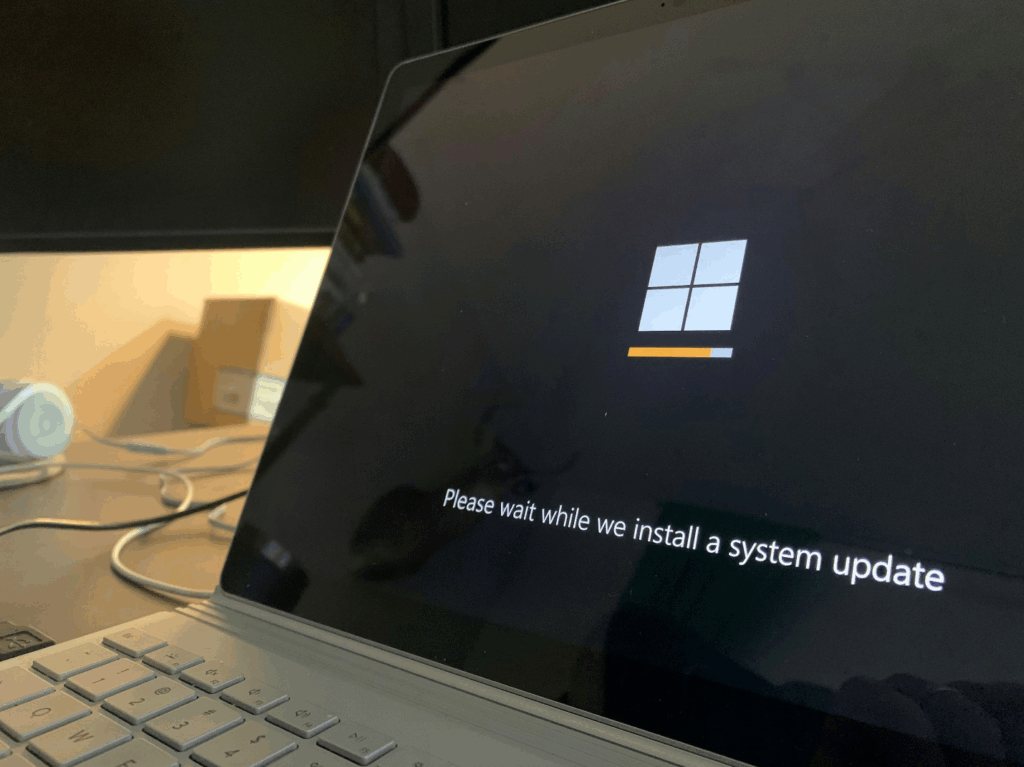
Repairs solve immediate problems, but prevention is how you keep your laptop running smoothly long-term. Regular computer maintenance includes:
- Cleaning dust and debris from fans and vents.
- Updating software and drivers.
- Checking for failing hardware before it quits.
- Running virus protection to stop infections early.
Just like taking your car for service, scheduling preventive maintenance saves money and stress by stopping small issues before they become big ones.
How to Know It’s Time for Professional Help
Here are some red flags that mean it’s time to call a computer technician in Princeton:
- The laptop won’t turn on at all.
- The screen is cracked, blacked out, or showing strange lines.
- The battery doesn’t charge or dies quickly.
- You hear grinding or clicking noises.
- Files keep disappearing or apps won’t open.
- The laptop overheats even with light use.
Ignoring these warning signs often leads to more expensive repairs later.
Don’t Let Laptop Problems Hold You Back
Your laptop is too important to give up on. Whether you’re dealing with broken screen repair in Ewing, laptop battery replacement, or broken hinge repair, the experts at Princeton Computer Repair Service have the skills and tools to get your device running like new.
Here’s what we offer:
- Safe and reliable screen replacements.
- Long-lasting battery replacements for every model.
- Precision hinge repairs to protect your laptop body.
- Full computer maintenance services to prevent future issues.
- Expert data recovery to protect your most important files.
We understand how much you rely on your laptop. That’s why we focus on fast turnaround, clear communication, and dependable solutions.
Call us today or schedule your repair online. Let us take care of the frustration while you get back to work, study, or entertainment with a laptop that’s ready to perform.