
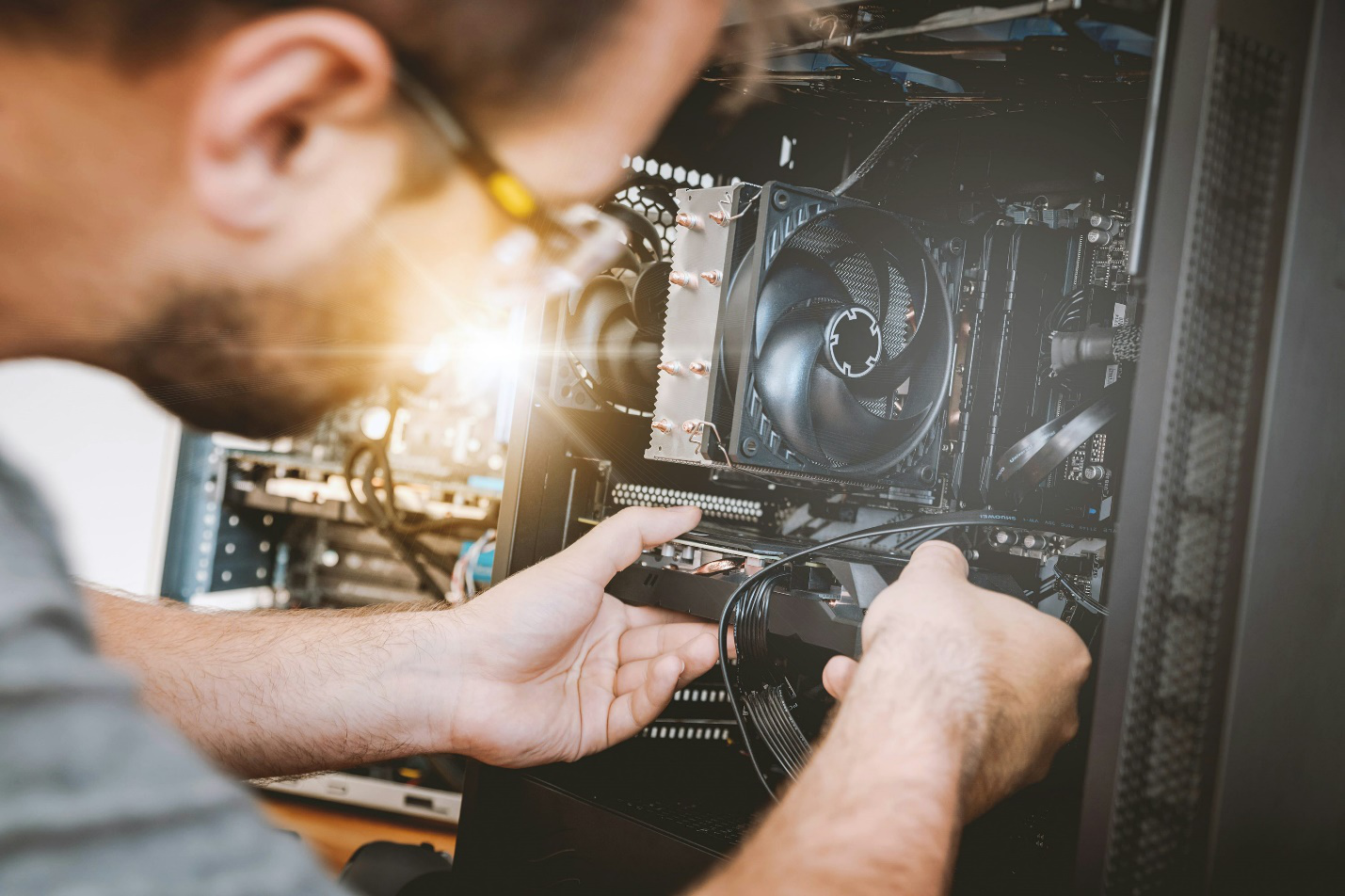
Technology is a lifeline. We depend on our computers and laptops for everything, work, communication, entertainment, and even managing daily tasks. So when something goes wrong, whether it’s a slow system, a frozen screen, or a total breakdown, the disruption is immediate and frustrating.
That’s why knowing where to turn for reliable computer repair services is essential. In this guide, I’ll walk you through the most common issues, what causes them, and how professional help can save you time, money, and a whole lot of stress.
Why Computer Issues Happen
It’s easy to think of your computer as a single unit, but it’s actually a collection of hardware, software, and interconnected systems working in harmony. When one part fails, it can impact everything else. Common causes of breakdowns include:
- Wear and tear– Hard drives, fans, and other parts degrade with time.
- Accidents– Drops, spills, and bumps can damage fragile components.
- Software conflicts– Corrupted files or outdated programs trigger crashes.
- Viruses and malware– Hidden threats slow systems down or steal information.
- Poor maintenance– Dust buildup, ignored updates, and overheating all take a toll.
Understanding these root causes helps explain why problems show up suddenly and why professional care is so important.
Common Computer Problems You’ll Face
1. Slow or Unresponsive Systems
You press the power button, wait, and… nothing happens quickly. Programs crawl, browsers freeze, and your patience wears thin. This is one of the most frequent complaints in pc repair.
Why it happens:
- Low memory or outdated hard drives.
- Too many background programs.
- Malware infections.
- Old operating systems that can’t keep up.
The solution:
Upgrades are often the fastest fix. A computer upgrade service, like adding RAM, switching to an SSD, or refreshing the OS, can transform even an older machine into something fast and reliable again.
2. Broken or Damaged Screens
One slip of the hand and your beautiful high-resolution screen is covered in cracks. Even minor damage can worsen over time, making text unreadable and colors distorted.
Why it happens:
- Drops or accidents.
- Pressure on the lid.
- Hinges pulling on the screen over years of use.
The solution:
Professional broken screen repair ensures your display is replaced properly. Instead of wrestling with fragile connectors or risking further damage, trained technicians restore the screen to like-new quality.
3. Data Loss
Few things are as stressful as losing files you can’t replace—family photos, work documents, or school projects. A failing hard drive or accidental deletion can erase months or years of work in seconds.
Why it happens:
- Hard drive failure.
- Viruses corrupting files.
- Power surges or crashes.
- Simple human error.
The solution:
Professional data recovery can often retrieve lost files, even from drives that seem completely dead. Acting quickly makes recovery more likely, so don’t wait if you notice warning signs like strange noises, missing files, or repeated crashes.
4. Viruses and Malware
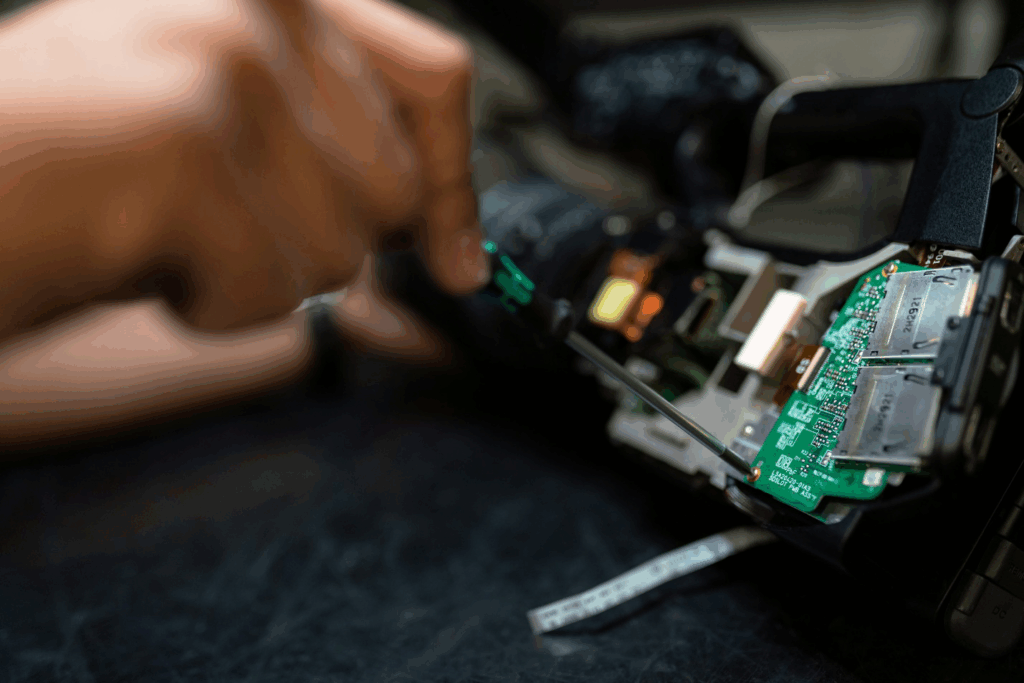
Today’s viruses are more sophisticated than ever. They don’t just throw annoying pop-ups on your screen, they can steal passwords, lock your files, or spy on your activity.
Signs of infection:
- Sluggish system performance.
- Programs opening or closing on their own.
- Endless pop-up ads.
- Strange activity in your accounts.
The solution:
With professional virus removal, harmful software is eliminated safely. More importantly, technicians also install protective measures to prevent reinfection and strengthen your computer’s defenses.
What Professional Repair Services Offer
A trusted computer repair service is more than a quick fix. Here’s what you can expect:
Comprehensive Diagnostics
Professionals don’t just repair symptoms; they identify the root cause. Through diagnostics, they uncover hidden issues that DIY troubleshooting often misses.
Tailored Upgrades
Why buy a new computer when you can upgrade the one you have? From a computer upgrade to a full hardware replacement, experts can give your system new life for a fraction of the cost of replacement.
Emergency Support
When you’re on a deadline, downtime is devastating. That’s where emergency computer repair becomes essential. Quick turnarounds get you back online when you can’t afford to wait.
Data Security
Whether through data recovery or secure backups, professionals keep your information safe during every repair. Protecting your files is as important as fixing your system.
The Benefits of Preventive Maintenance
Repairs solve current issues, but prevention helps you avoid them altogether. Computer maintenance is often overlooked, but regular care keeps your machine healthier longer. Preventive steps include:
- Cleaning internal fans and vents.
- Updating operating systems and software.
- Checking hard drive health.
- Installing reliable antivirus protection.
Think of it like an oil change for your computer—it saves you from breakdowns in the future.
Don’t Wait Until It’s Too Late
Computers rarely fix themselves. That strange noise, flickering display, or sluggish startup won’t go away on its own, it will only get worse. By acting early, you not only fix the current problem but also save yourself from bigger, more expensive headaches.
The Hidden Value of Professional Repairs
One of the biggest benefits of working with an experienced computer technician is peace of mind. Instead of worrying about whether your files will survive or if your system will work again, you know your device is in capable hands. Plus, experts often provide maintenance tips to help extend the life of your computer and prevent recurring issues.
Regular computer maintenance in Princeton is often overlooked, but it can stop small problems from turning into major breakdowns. Simple steps like cleaning out dust, updating software, and checking hardware health keep your device running smoothly.
Choosing the Right Repair Service
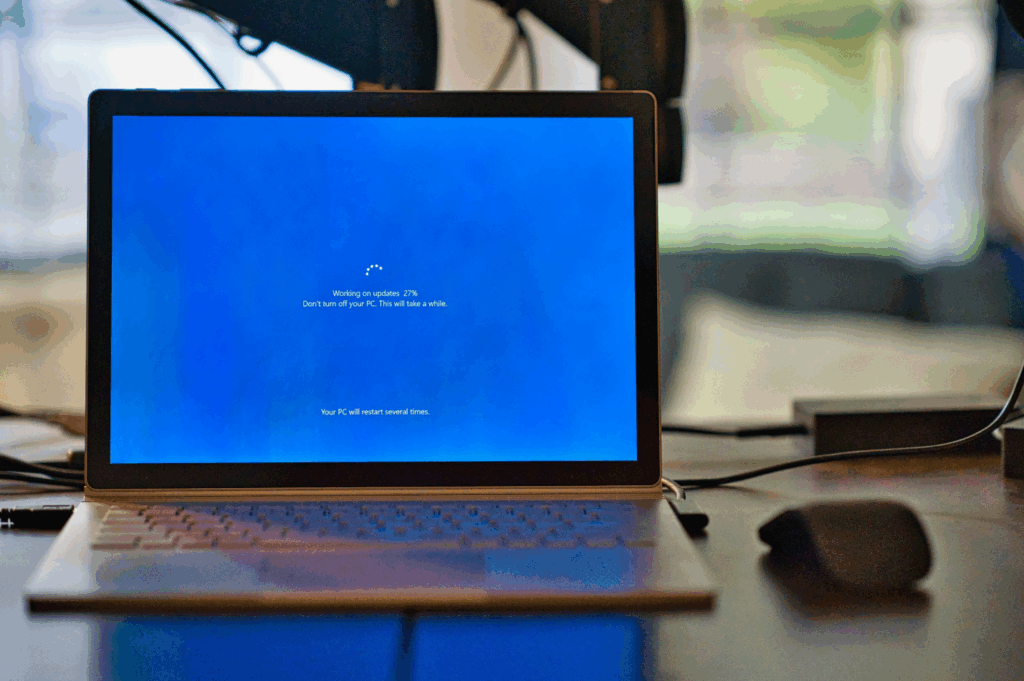
Not all repair services are created equal. Here’s what to look for when selecting a professional:
- Experience and Certification– Make sure the technicians have proven expertise with both PCs and Macs.
- Transparent Pricing– A trustworthy service provides clear estimates without hidden fees.
- Comprehensive Services– From screen replacement to data recovery, having one provider handle it all saves time and hassle.
- Customer Support– Look for a repair service that offers ongoing support and guidance even after your device is fixed.
Don’t Wait Until It’s Too Late
The reality is simple: the longer you wait to fix a computer problem, the worse it usually gets. That strange clicking sound? It could be a failing hard drive. That slow startup? It may signal deeper hardware issues. Acting quickly with the help of a professional pc repair in Princeton can prevent bigger problems down the road.
Let Us Handle Your Computer Worries
If your computer is acting up, don’t wait until it grinds to a complete halt. Whether you’re dealing with broken computer screens, data loss, or sluggish performance, we’re here to help. At Computer Repair in Princeton, we combine expert knowledge with fast turnaround times to make sure your devices run the way they should.
Our services include:
- Comprehensive diagnostics and repairs
- Full data recoveryand protection solutions
- Reliable virus removal in
- Affordable computer upgradeoptions
- Emergency support when you need it most
Your computer deserves expert care—and so do you. Call us today or schedule your repair online, and let’s get your system back on track.