
Keeping your system in peak condition doesn’t require advanced technical skills, but it does require consistency. With proper computer maintenance, users can significantly reduce crashes, improve performance, and extend device lifespan.
Most users only think about repairs when something breaks, but regular maintenance prevents most issues before they escalate into costly fixes. Whether you use your device for work, school, or business, routine care ensures your system stays fast, stable, and secure.
This guide breaks down 9 practical maintenance tips that every user can follow to keep their computer running smoothly.
Why Computer Maintenance Matters
Routine maintenance is not just about cleaning files or updating software; it directly affects performance, security, and hardware lifespan.
Without proper maintenance, users often experience:
- Slow performance
- Unexpected crashes
- Overheating issues
- Security vulnerabilities
- Expensive repair needs
Many of these problems eventually lead to services like repair or even hardware replacement that could have been avoided.
1. Restart Your System Regularly
A simple restart refreshes system memory and clears background processes that slow performance.
Many users leave their systems running for days, which gradually affects speed and responsiveness. Restarting is one of the easiest habits in maintaining your system, as it helps prevent unnecessary lag.
2. Keep Your Storage Under Control
A full or cluttered drive is one of the most common causes of system slowdown.
To maintain performance:
- Delete unused files regularly
- Move large files to cloud storage
- Empty downloads folder often
Poor storage habits can eventually require a computer upgrade to restore performance.
3. Install Only Trusted Software
Unverified applications often run hidden processes that consume system resources. Installing safe and necessary software reduces the risk of malware and avoids the need for virus removal services later.
This step is especially important for users who rely heavily on software installation for work-related tools.
4. Keep Your System Physically Clean
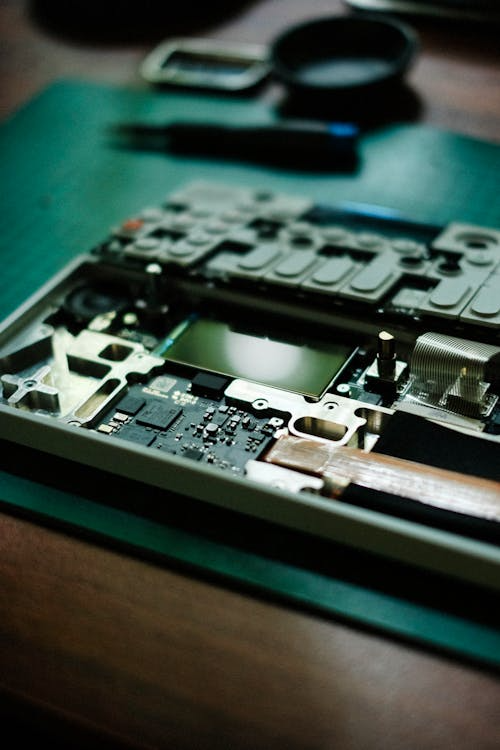
Dust buildup inside desktops and laptops can block airflow and cause overheating. Over time, overheating leads to hardware failure and expensive repairs, such as laptop repair in Princeton.
Regular cleaning helps maintain stable performance and reduces long-term damage.
5. Handle Devices with Care
Physical damage is one of the most common causes of hardware failure.
Avoid:
- Pressure on laptop lids
- Sudden drops
- Stress on hinges
Many users end up needing broken hinge repair in Princeton or screen replacement due to improper handling.
6. Maintain Battery Health
Battery degradation happens faster when devices are constantly overcharged or fully drained.
Good habits include:
- Avoiding overnight charging
- Using original chargers
- Keeping charge levels between 20–80%
Poor battery care often leads to the need for replacement or MacBook-related repairs.
7. Remove Unnecessary Programs
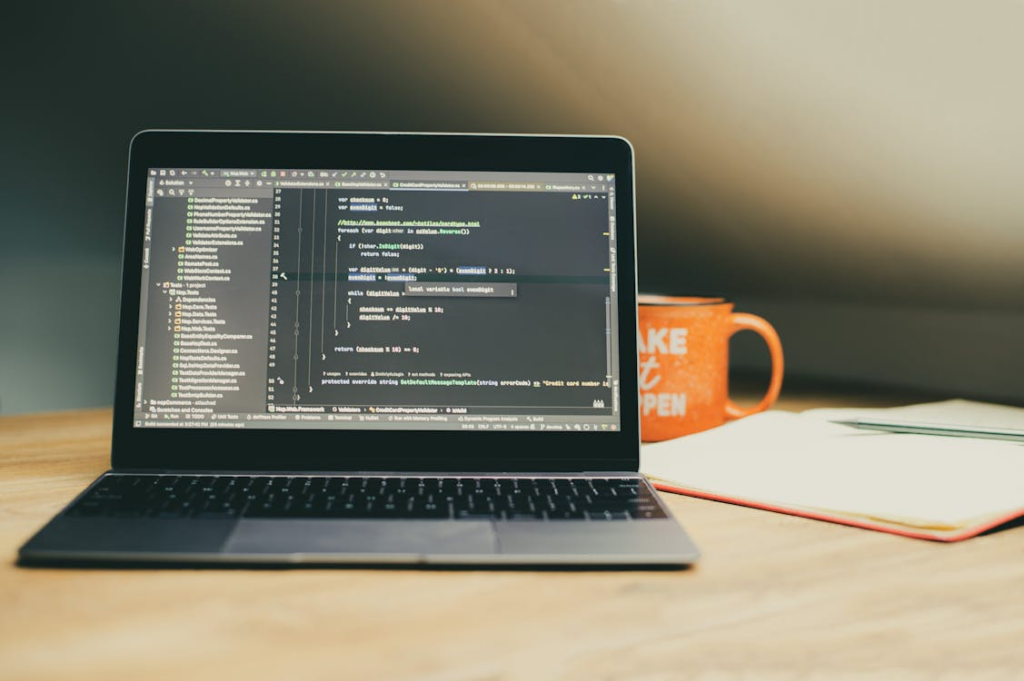
Over time, many systems accumulate software that is no longer needed. These unused programs often continue running in the background, consuming valuable system resources such as memory and processing power. As a result, the computer becomes slower and less responsive during everyday use.
Regularly reviewing and removing unnecessary applications helps improve overall speed and reduces unnecessary strain on the system. This simple habit is an important part of computer maintenance, as it keeps the device optimized and running efficiently. Without it, users may eventually experience performance issues that require assistance from a PC repair in Hamilton to diagnose and resolve deeper system slowdowns.
8. Clean Temporary Files and Cache
Temporary files and cached data accumulate silently as you use your computer for browsing, installing software, and running applications. While they are meant to improve short-term performance, over time, they can take up significant storage space and reduce overall system efficiency.
Cleaning these files on a regular basis helps restore smoother performance across the system. It improves boot speed, enhances application responsiveness, and frees up valuable storage space that can be used for more important data.
If this step is neglected, systems may begin to slow down noticeably, sometimes requiring external support such as repairs or similar diagnostic services to restore proper functionality and performance.
9. Optimize Startup Programs
When a computer starts up, many applications are automatically set to launch in the background. While some of these are necessary for system function, many are not and only serve to slow down the boot process.
When too many programs load at startup, the system takes longer to become usable and continues running unnecessary processes even when they are not needed. This puts constant pressure on system memory and reduces overall performance throughout the day.
Disabling non-essential startup applications helps the computer boot faster and run more smoothly once it is on. It also reduces background activity, allowing system resources to focus on the tasks you actually need.
Over time, this simple adjustment plays a significant role in maintaining overall system efficiency and preventing gradual slowdowns that often go unnoticed until performance becomes noticeably poor.
Filename: emergency-computer-repair-Princeton-diagnostics
Alt-Text: Emergency computer repair in Princeton
Caption: Emergency computer repair in Princeton provides fast diagnostics and repair solutions to restore system functionality and prevent downtime.
When Professional Help Is Needed
Even with regular maintenance, some issues require expert support. You should contact a technician if you experience:
- System not booting
- Frequent freezing
- Severe malware infection
- Data loss
- Hardware failure
In such cases, services like data recovery in Princeton become essential for restoring system functionality safely.
Keep Your System Fast and Reliable
A well-maintained computer performs better, lasts longer, and experiences fewer disruptions. Instead of waiting for issues to escalate, consistent maintenance ensures long-term reliability.
Whether it’s cleaning, optimization, or updates, computer maintenance in Princeton is the foundation of a stable and efficient system.
If your device is showing early warning signs such as slow performance, overheating, or unexpected errors, it’s important to take action before the problem worsens.
Contact Princeton Computer Repair Service for expert system diagnostics and reliable maintenance support.